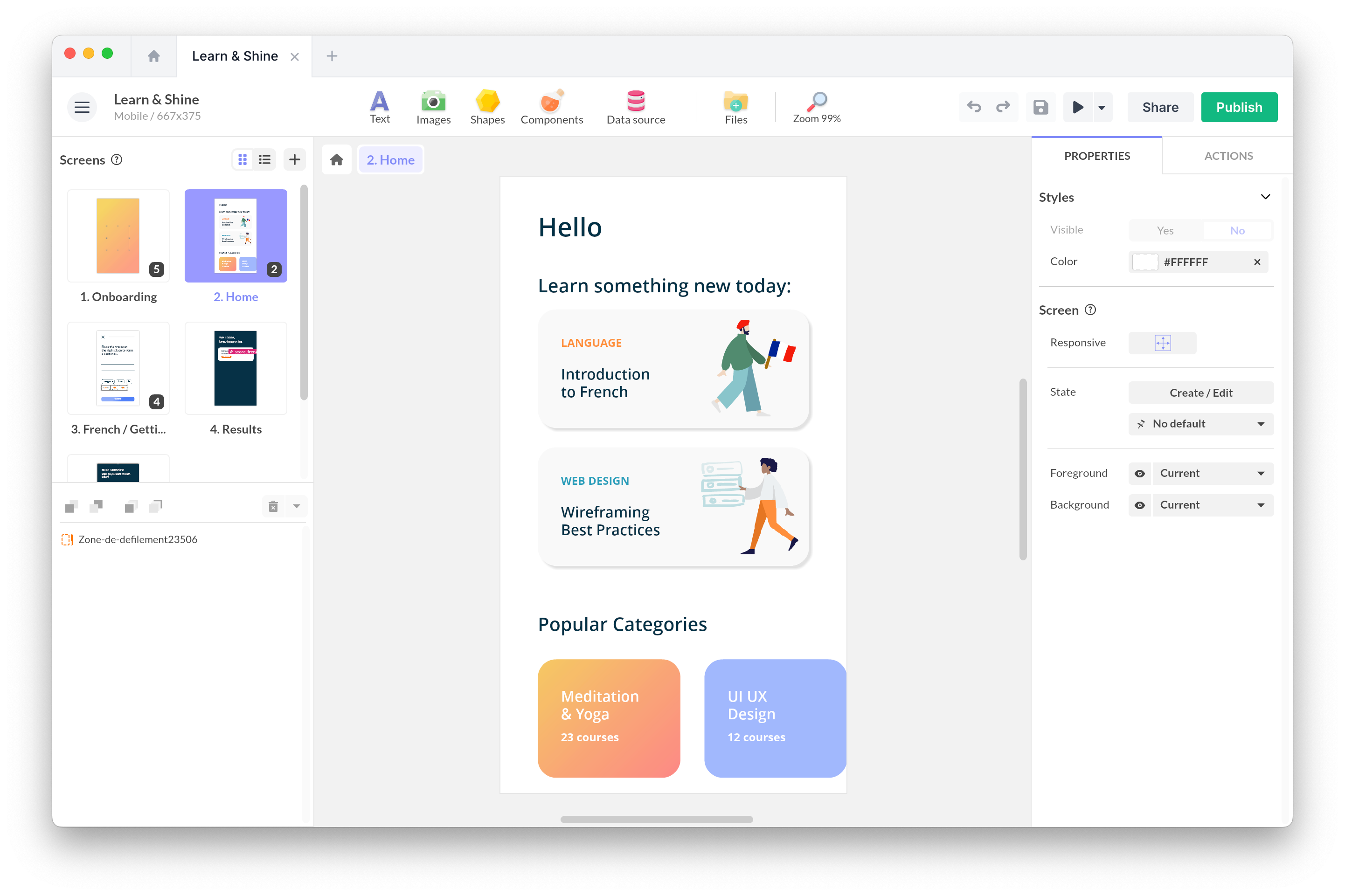
32 Free SVG Icons for Your Interfaces
A simple, consistent set of navigation icons, ready to be recolored, resized and animated in PandaSuite. Personal or commercial use, no attribution required.
SVG • CC0 1.0 • No attribution • Commercial use allowed
32 icons
Home
home.svg
Menu
menu.svg
Close
close.svg
Search
search.svg
More options
more-horizontal.svg
More options (vertical)
more-vertical.svg
Refresh
refresh.svg
Arrow left
arrow-left.svg
Arrow right
arrow-right.svg
Arrow up
arrow-up.svg
Arrow down
arrow-down.svg
Chevron left
chevron-left.svg
Chevron right
chevron-right.svg
Chevron up
chevron-up.svg
Chevron down
chevron-down.svg
Back
back.svg
Forward
forward.svg
First
first.svg
Last
last.svg
Expand
expand.svg
Collapse
collapse.svg
Fullscreen
fullscreen.svg
Exit fullscreen
exit-fullscreen.svg
Zoom in
zoom-in.svg
Zoom out
zoom-out.svg
Fit to screen
fit-to-screen.svg
Show
eye.svg
Hide
eye-off.svg
Grid view
grid.svg
List view
list.svg
Reorder
drag.svg
Move
move.svg


Missing an icon? Ask us very nicely ;)
Designed for Your Interfaces
Always sharp
The vector format stays crisp on mobile, tablet, touch screen and large display.
Easy to customize
Change the color, the size and the states directly in PandaSuite Studio.
Genuinely free
The CC0 license allows use, modification and redistribution, including in a commercial project.
Read the CC0 1.0 license
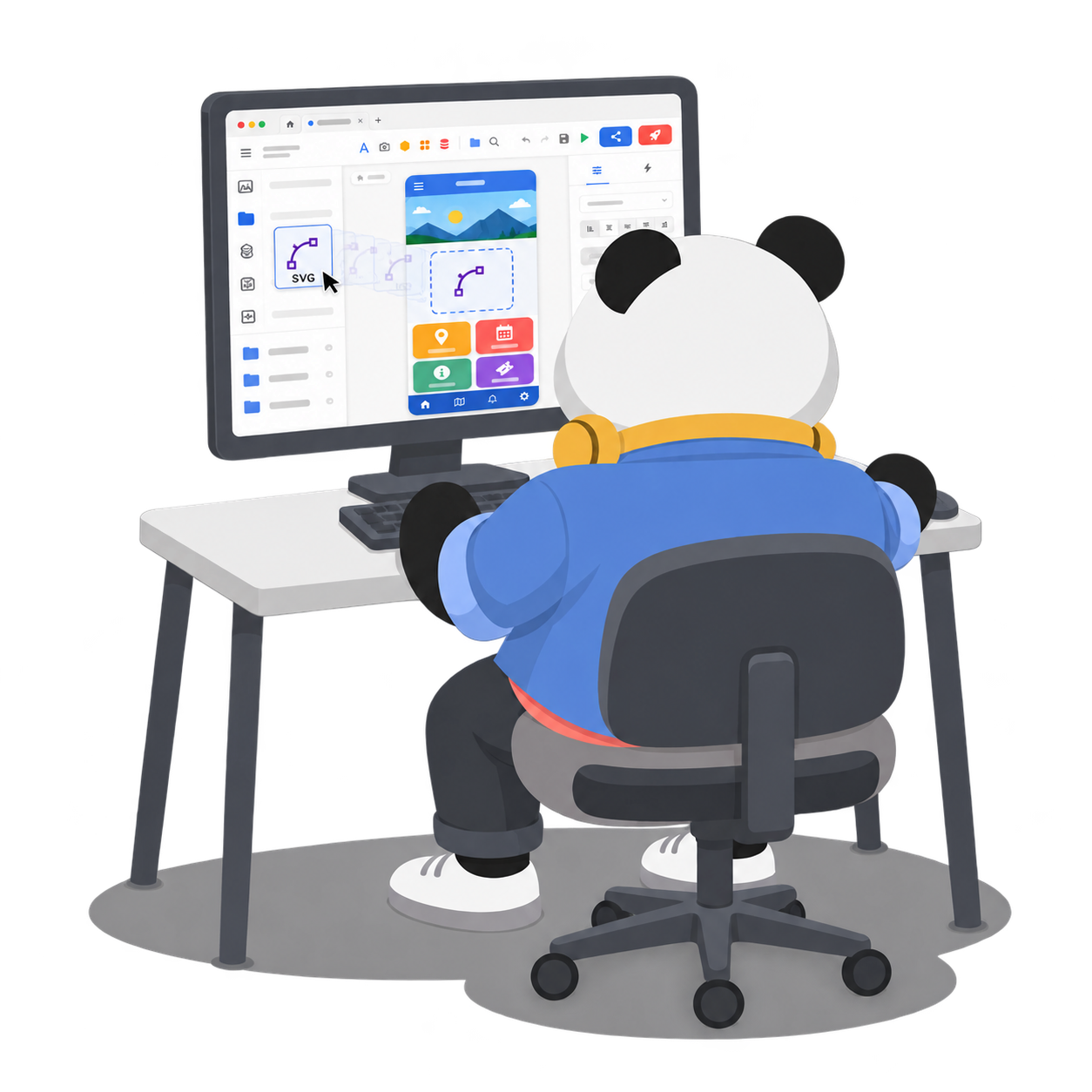
Import an Icon into PandaSuite
- 1
Copy or download
- Use “Copy SVG” to grab the code, or download the file, either a single icon or the whole pack.
- 2
Paste it into Studio
- Paste the SVG code straight into your project, or drop the file onto your scene from Files. Studio recognizes the format on its own.
- 3
Customize
- These icons are simple enough to become editable paths: recolor them, resize them without losing quality, and animate them.
FAQ
Get started today for free
No credit card is required, and there is no time limit. Discover our interactive no-code creation tool today and join over 50,000 users around the world.