Which interactive content format for your next project?
You’ve been asked (or you want) to produce an innovative format to present your products or your B2B industrial company.
You know how to put together PowerPoints, visuals and more traditional marketing materials (brochures, catalogs, presentations, etc.), but when it comes to interactivity you’re not quite sure where to start, and you have plenty of technical questions.
Should you pick a tool first? Can you produce it yourself, in-house, or do you need an agency? How do you design the user experience? How much interactivity should you build in?
There’s a path between DIY in-house and custom dev
Last time, you probably already created an “interactive” PDF with InDesign and you were a bit disappointed in the end: beyond a few clickable links, it’s a fairly static format that nobody really consults.
When you went to an agency, you got a quote for a “custom interactive module” at €8,000, knowing you’d have to pay again for every change and that you couldn’t edit it yourself.
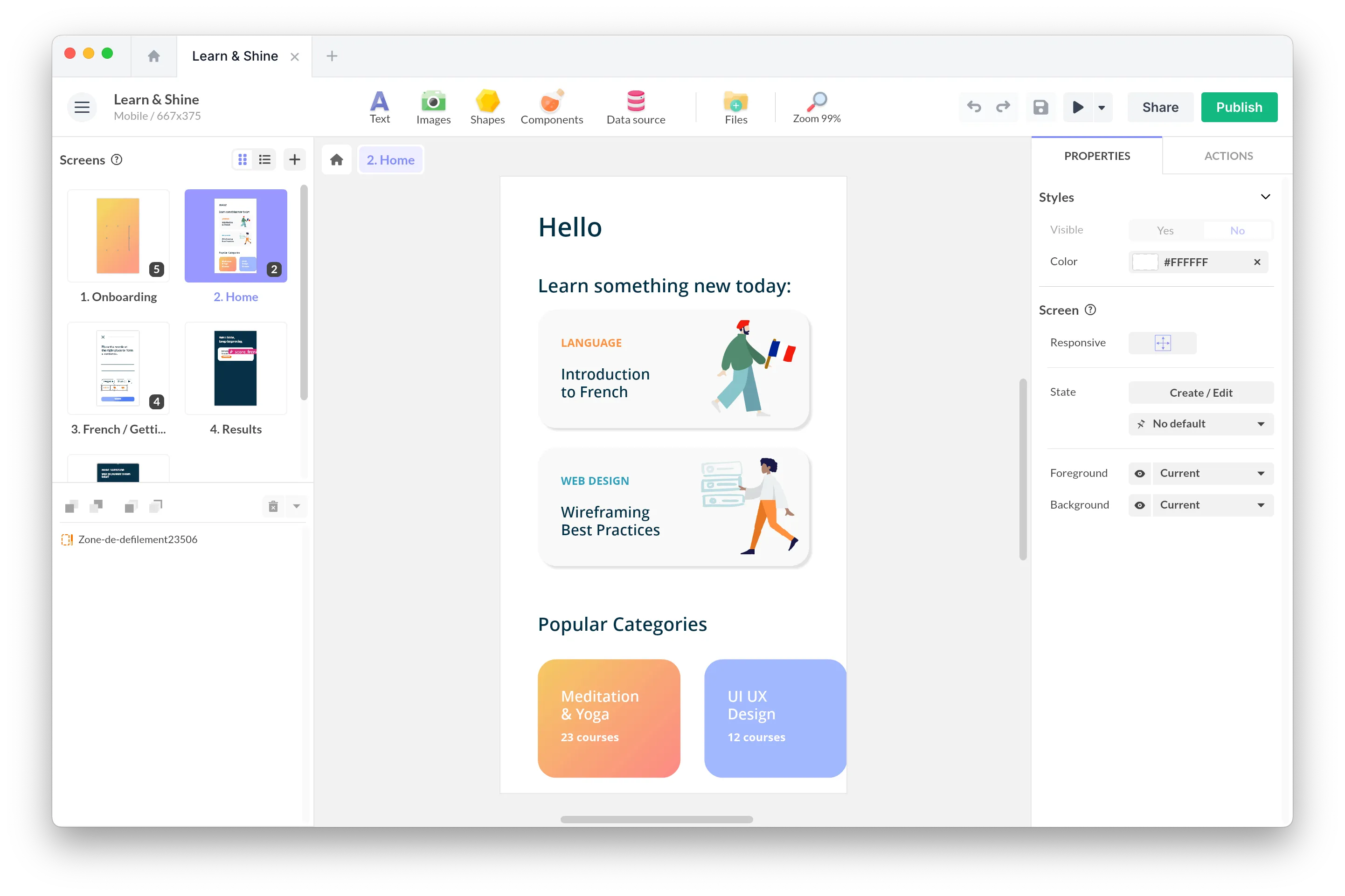
Between these two options, there’s another path: interactive content software. There’s something for every project and every budget: Genially, Visme, Foleon, PandaSuite, FlippingBook, Shorthand, Ceros, Mindstamp, Wirewax, Intuiface…
All are no-code, meaning a marketing professional can pick them up without depending on a developer. Each one has a different scope: some specialize in a single format (interactive video, for example, or scrollytelling). Others cover a wide range but stay web-only (Genially, for instance). Others again support every device (web, mobile, tablet, physical kiosk) like PandaSuite.
More interactive doesn’t mean more effective
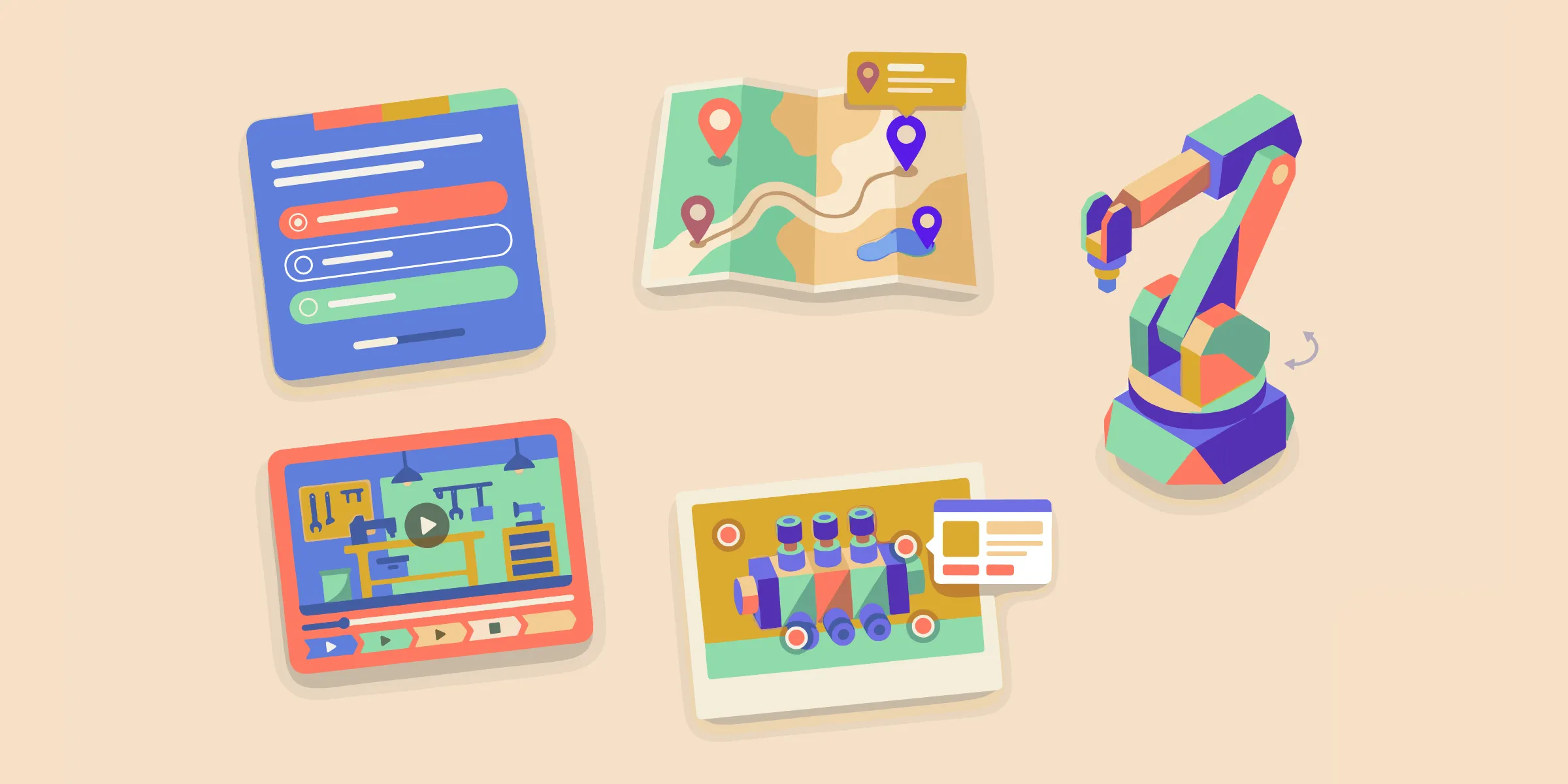
When people think of interactive content, they often picture a visually complex piece with hotspots, buttons, animations, pop-ups…
Interactivity is a means, not an end. Yes, a 2D animation or a drag & drop game grabs users’ attention and invites exploration. But what determines whether a piece of content works is, above all, the quality of its content, the consistency of the experience and alignment with the objective.
To explain a B2B technical product, people often dream of a 360°-navigable 3D video. It’s impressive, but it’s also six weeks of production and a file no one can modify after the vendor leaves. A clickable infographic with four well-thought-out zones can drive a better engagement rate, more internal sharing, and a smoother handoff to sales — for a much smaller budget.
The trap is mistaking “wow” effect for usefulness. The best-performing content strips out superfluous interactivity, keeps what serves the objective, and reinvests the freed-up budget into writing and design.
Think objectives before format
There’s a wide variety of interactive formats, and plenty of tools to create them.
Despite schedule pressure or the excitement of producing fast, it’s important to ask the right questions before starting.
Here are the main objectives that interactive content can serve, and the formats that match them.
Present a product or a company
Three formats can replace long PowerPoints if your objective is to present a product or a company:
- Interactive presentation: an easily navigable, non-linear format where the user explores the sections based on their needs.
- Scrollytelling: a narrative that unfolds as you scroll (vertical scrolling), a long-form editorial format.
- Interactive video: a video with clickable hotspots, chapters and embedded CTAs.
Portfolio
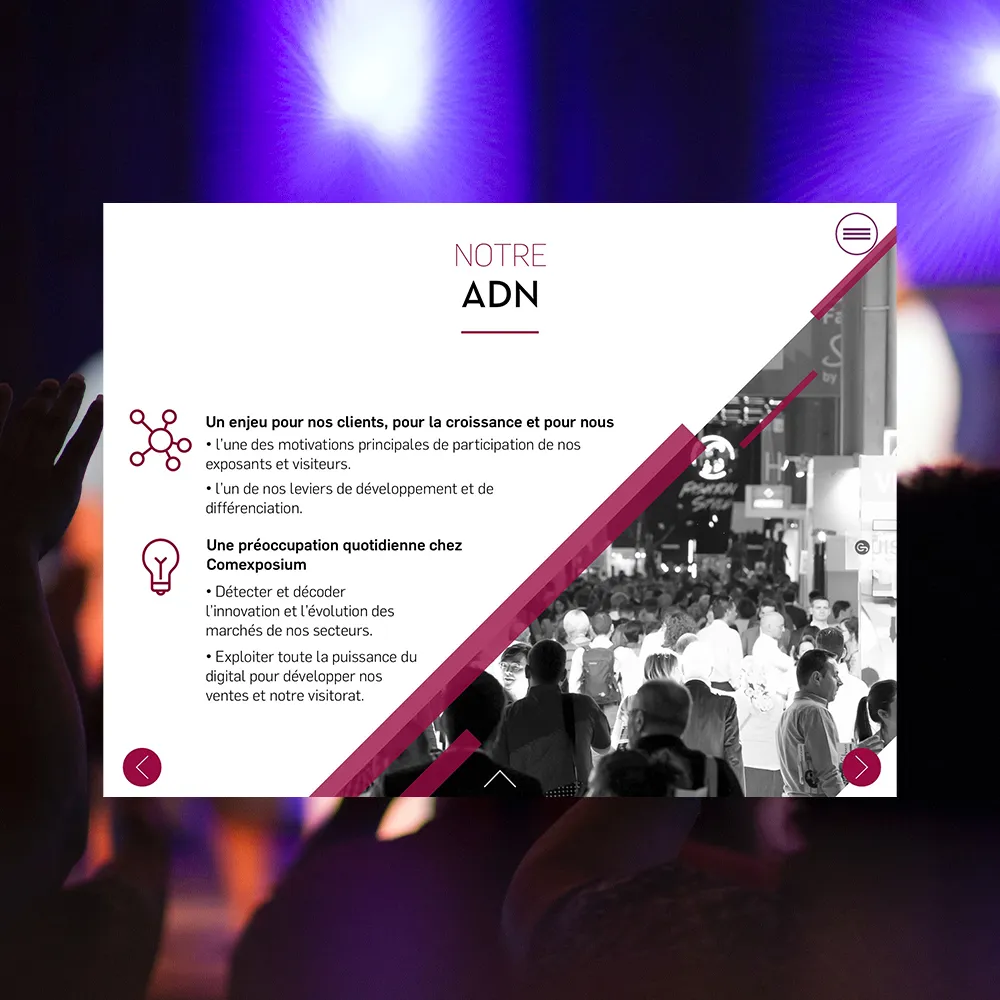
Comexposium's Interactive Brochure, on Tablets and on Its Website
Foire de Paris, Wine Paris, the Salon du Chocolat: Comexposium runs more than 400 trade and consumer events in 25 countries.
See the portfolioCapture or qualify leads
Three formats dominate this space:
- Interactive quiz: a short questionnaire that leads to a personalized result (positioning, recommendation, score).
- Calculator: a tool where the user selects criteria to discover the product that fits them best.
- Simulator: a more advanced variant of the calculator, with alternative scenarios and comparisons.
Help choose a product or a configuration
The product configurator is a tool where the user selects criteria to discover the product that fits them best.
In technical industries, it’s an essential tool for sales teams.
Portfolio
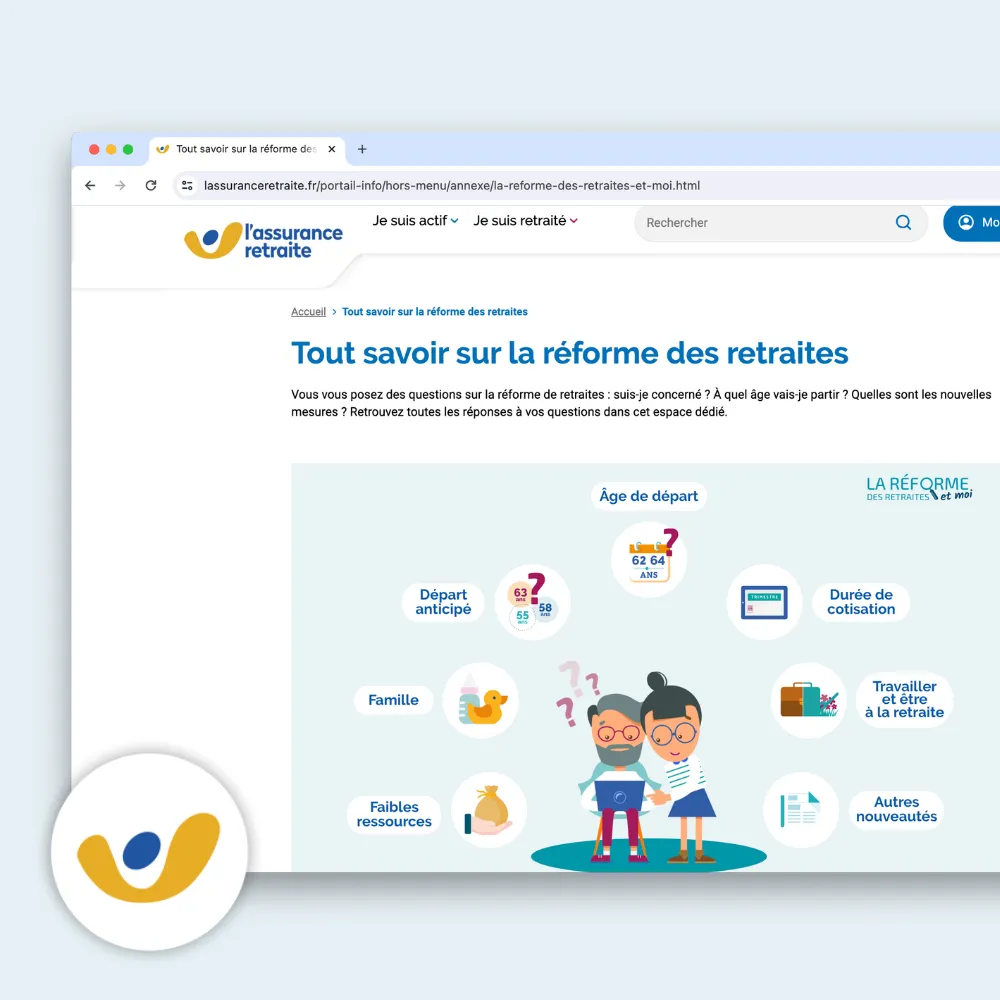
Interactive Module about Pension Reform
Integrated within a web page, this interactive module allows for responding to the main questions about pension reform in a fun and interactive way.
See the portfolioExplain a complex concept
The interactive infographic can replace ten pages of documentation.
The interactive video plays the same role for time-based subjects (an industrial process, a demo).
3D models and 360° virtual tours work well for bulky products, industrial sites, or anything that’s hard to show in a photo.
Portfolio
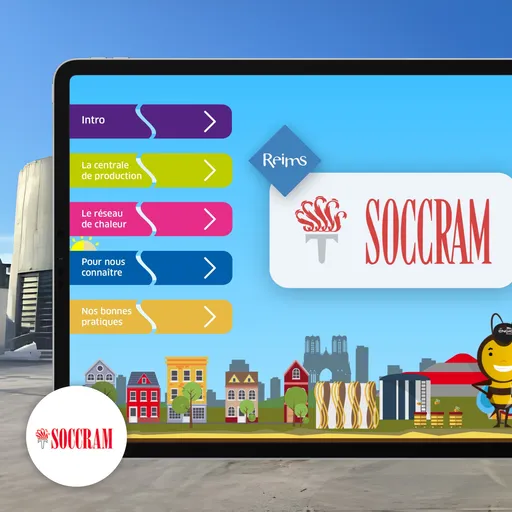
A 360° virtual tour to explore the Reims district heating plant
SOCCRAM operates the district heating network of Reims, a critical urban infrastructure that remains largely invisible to the public.
See the portfolioEngage at a trade show or physical venue
Three formats work particularly well in physical environments:
- Touchscreen kiosk: a fixed screen in a public space, designed for quick standing interactions.
- Multitouch table: a large horizontal screen that lets several people interact at the same time.
- Interactive game: a playful device (quiz, wheel of fortune, mini-game) that gives visitors a reason to stop.
These formats catch the eye and create a reason to stop. More logistics (hardware, content security), but also the most lasting memories for visitors.
Train an internal team
Three main formats:
- E-learning module: a sequenced learning path with exercises and skills validation.
- Educational quiz: a questionnaire with immediate feedback to verify retention.
- Interactive training video: a video enriched with pauses, embedded questions and chapters.
The focus here is completion and retention, not wow effect. A short quiz with immediate feedback beats a thirty-minute passive video.
Portfolio
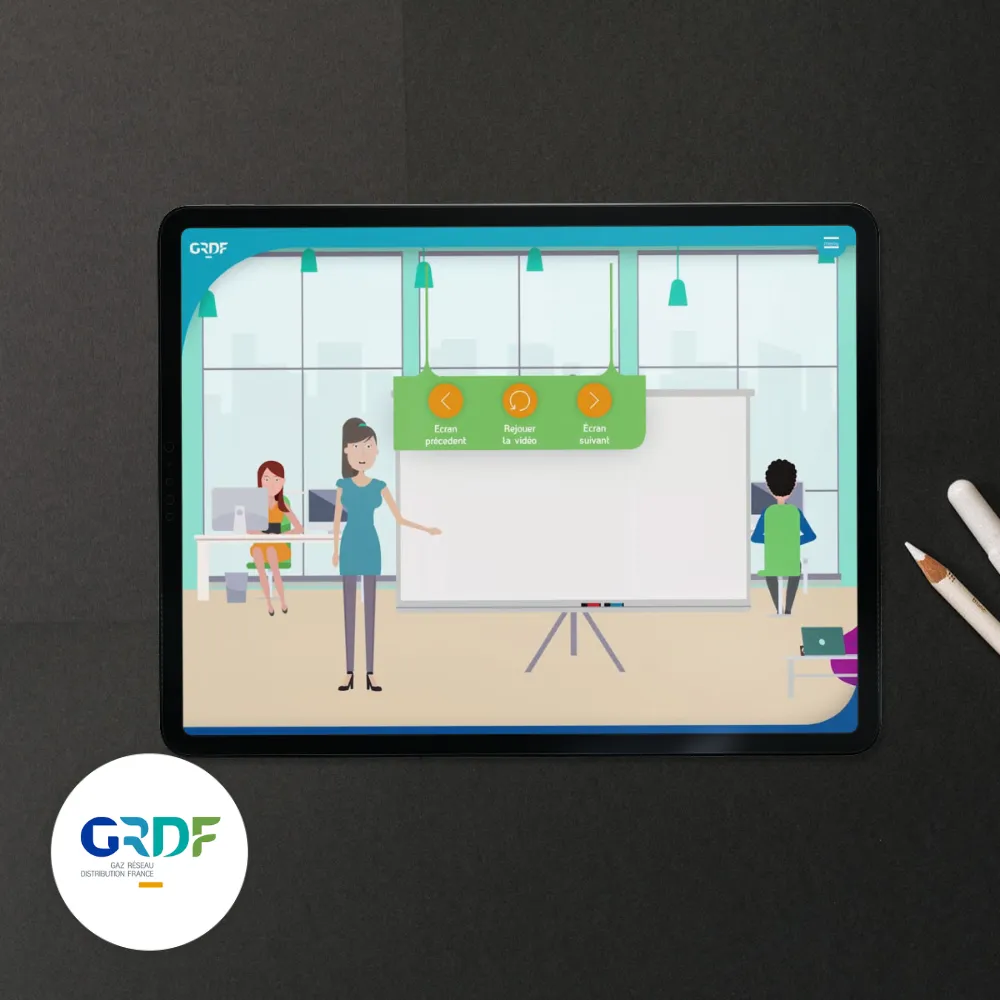
Interactive eLearning Course
Made with Virtuoz Agency, this interactive learning module has been exported to a LMS platform.
See the portfolioStart from your existing content
The temptation is to build from scratch, but the project can quickly turn into a gas factory.
Look in your folders first — you likely have plenty of resources you can reuse: product brochures, technical sheets, trade show videos, high-res photos, presentation slides, customer testimonials, technical drawings…
Before you start, take inventory:
- Which visuals work, which slides are essential, which testimonials reassure? Those are your starting materials.
- Which questions are you always asked but never have a clean answer to? That’s often where interactive content adds the most value.
- What can be reorganized? Going from a 12-page PDF to a thematic exploration changes the experience without writing a single new word.
Ship a V1 quickly and iterate
The reflex is to aim for a perfect V1. That’s the number-one cause of projects that never ship, or that take too long to come out.
Ship a simple V1. Observe. Iterate. A more modest V1 published in time for the trade show in six weeks is worth a thousand times more than an ambitious V1 that never ships.
Iteration isn’t a compromise on quality — quite the opposite. Content that gets tweaked every two months stays relevant for years, whereas frozen content becomes invisible.
FAQ
What’s the difference between interactive content and interactive experience?
Interactive content is an individual asset — quiz, infographic, configurator. An interactive experience is a journey that combines several assets, like a museum kiosk or an event app. Interactive content is the building block. The experience is the architecture.
Which type of interactive content is most effective for B2B lead generation?
Three formats dominate in industrial B2B: the quiz, the calculator and the product configurator. What makes them effective isn’t the interactivity — it’s the implicit qualification they provide to your sales team.
Do you need to know how to code to produce interactive content?
No. Most formats can be produced without a single line of code, provided you choose a no-code-oriented tool. Be careful not to confuse no-code and locked template: a good tool stays flexible.
How can interactive content stay relevant over time?
Only one criterion matters: your ability to update it yourself. A frozen format becomes obsolete in six to twelve months. A format you enrich after every trade show, adapt to a new product or market, remains a living asset for years.
Interactive content isn’t a technology. It’s a pedagogical decision. Before the format, choose an objective. Before the blank page, start with what you have. Before impressing, be useful.
You probably already have the essentials to get started: a clear objective, content sleeping in a drive, and a V1 to rough out this week. The first draft doesn’t need to be perfect. It needs to exist.