Fri, Mar 27, 2026
Web App, Native App or PWA: A Decision Framework
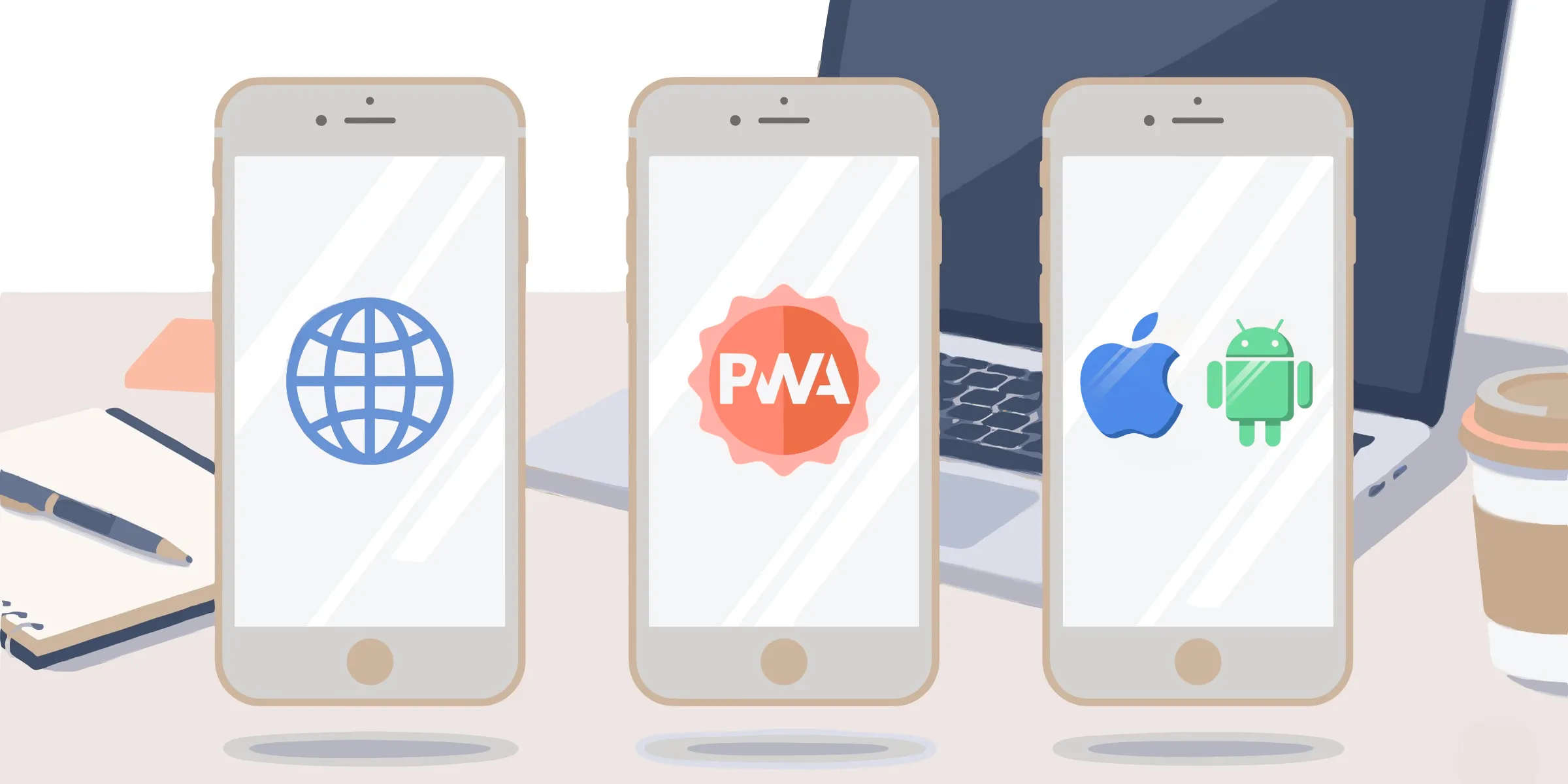
Choosing a format for your application used to be a two-option problem. Native or web -pick one, live with it. That framing has quietly broken down over the last few years, and anyone who’s had to justify a technology choice to a client or a steering committee knows the real question today is more complicated.
There are now three mainstream formats -native app, web app, and Progressive Web App -plus a fourth option that rarely gets named in early-stage conversations: the hybrid app. Each of them makes sense in specific conditions. None of them is universally right. The difference between a good choice and a costly one often comes down to which criteria you prioritize before the project starts, not which technology is trending.
This article lays out those criteria clearly so you can make the call with confidence -whether you’re building for a single device type or planning to reach audiences across multiple platforms.
What Exactly Are We Comparing?
Before weighing the options, it’s worth being precise about what each format actually is. These are not just different delivery mechanisms -they represent fundamentally different architectures, with different constraints and different ceilings.
Native app
A native app is compiled specifically for one operating system -iOS or Android -using the platform’s native language and SDK (Swift or Kotlin, for instance). It’s distributed through the App Store or Google Play, installed directly on the user’s device, and runs with full access to the hardware: camera, GPS, sensors, Bluetooth, local storage, push notifications.
That level of integration has a price. A native iOS app and a native Android app are, in practice, two separate codebases. Development, testing, and maintenance all run in parallel.
Web app
A web app is a browser-based application -built with HTML, CSS, and JavaScript -that requires no installation. The user navigates to a URL, the app loads in their browser -that’s it. No App Store submission, no download, no update prompt.
The trade-off is real: a web app can’t access most hardware capabilities, can’t function without network connectivity, and sits inside a browser interface rather than running in full screen. For many use cases, those constraints don’t matter. For others, they’re dealbreakers.
Progressive Web App (PWA)
A PWA is a web app with enhanced native-like capabilities, made possible by a background script called a service worker. It can be added to the home screen, load content offline via caching, and -depending on the platform -send push notifications. It’s still accessed via a browser URL, still requires no installation in the traditional sense, and shares a single codebase across platforms.
The PWA isn’t a third technology so much as a set of standards layered on top of web development. Whether those standards are enough for your project depends heavily on what the app needs to do -and on which OS it will run.
Hybrid apps -the fourth option
Hybrid apps (built with React Native, Capacitor, or Flutter) compile web code into a native container that can be submitted to the App Store. They offer broader hardware access than a pure web app, a single shared codebase unlike pure native, and store distribution unlike a PWA.
They’re worth naming here because they frequently represent the right answer in situations where neither “pure native” nor “pure web” fits cleanly -particularly for teams with web development skills who need store distribution.
Five Criteria That Actually Drive the Decision
Most comparison articles list features. What’s more useful is a set of questions you can actually apply to a project brief.
1. Does it need to be in the App Store?
This is the first question, not the last. If the answer is yes -because your audience expects to find it there, because you want App Store reviews and organic discovery, or because your client’s procurement requires it -you’re building a native app or a hybrid. A PWA can be submitted to Google Play (via Trusted Web Activity, since 2019) and increasingly to the App Store, but the experience isn’t equivalent, and ASO implications differ.
If store presence isn’t required, this constraint disappears and the other criteria carry more weight. There are also alternatives to the Apple and Google stores worth exploring depending on your distribution context.
2. Does it need to work offline?
A standard web app cannot function without a network connection. This rules it out cleanly for any project where connectivity isn’t guaranteed -field use, venues with poor coverage, experiences that run on a loop without staff to troubleshoot connection drops.
A well-configured PWA handles offline through service worker caching -content you’ve pre-loaded is available even without network. A native app manages offline by design. The key word in both cases is “well-configured”: offline capability requires deliberate architecture, not just a format choice.
3. What hardware access does it need?
Camera, GPS, Bluetooth, NFC, gyroscope, haptic feedback -native apps have direct access to all of them. Hybrid apps cover most of them through plugins. The PWA gap has narrowed significantly on Android; on iOS, certain APIs remain restricted by WebKit. If the experience depends on hardware features that sit outside what the browser can reach, native or hybrid is the safer bet.
4. Who controls the update cycle?
Native apps go through store review for significant updates. That process introduces delay -sometimes a few hours, sometimes longer- and a dependency on Apple and Google’s approval pipelines. A web app or PWA can be updated instantly, server-side, without any action from the user. In contexts where content needs to change frequently (exhibitions, campaigns, training curricula), that difference is meaningful.
5. What’s the actual cost over three years?
Initial development cost is rarely the right metric. A native iOS + Android project requires two codebases, two sets of store submissions, and two maintenance tracks. A PWA or web app shares one. At year one, the gap might be manageable. At year three, with a team running parallel updates and device compatibility fixes, it compounds.
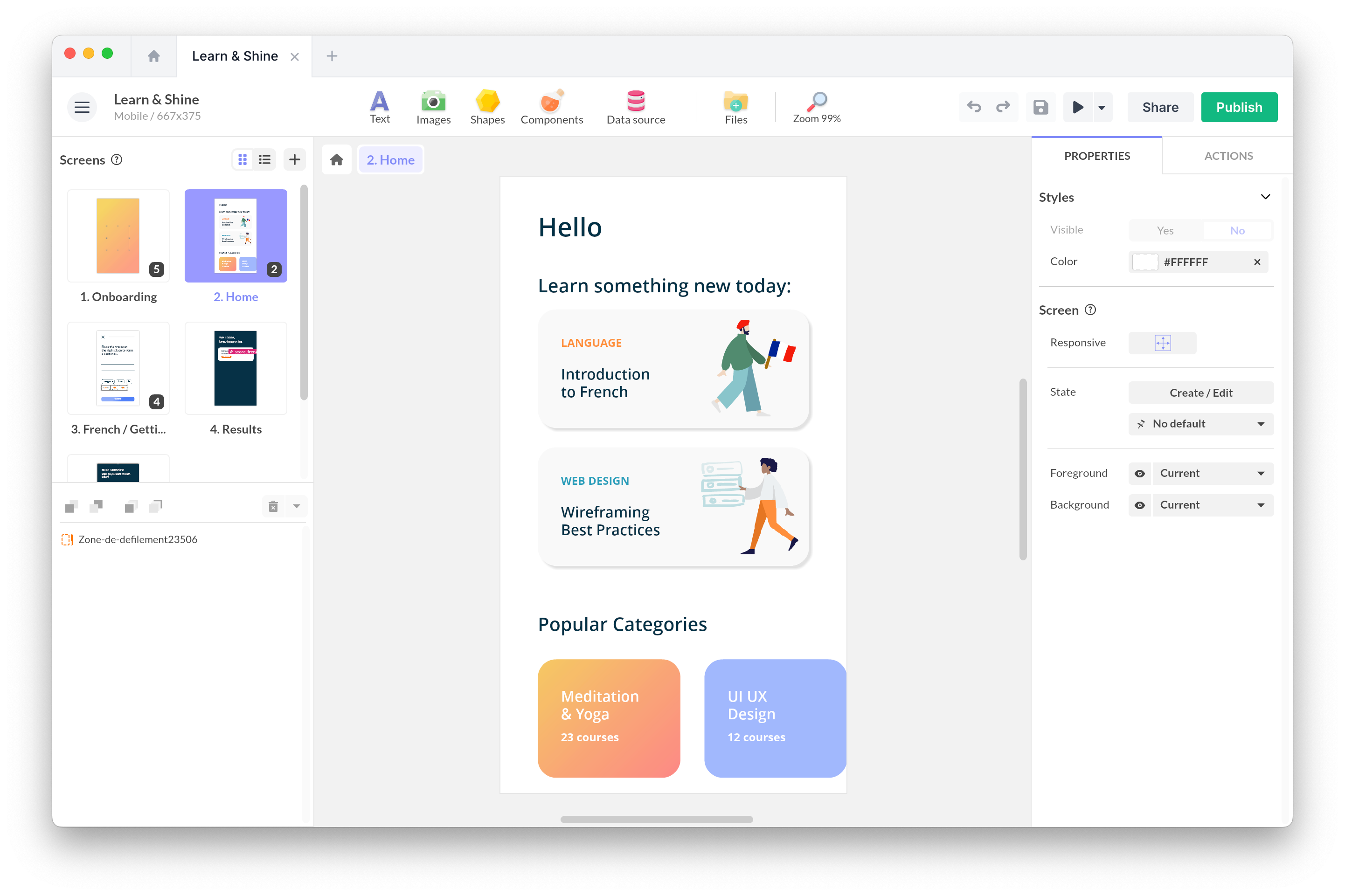
No-code platforms have changed this calculus somewhat -on projects built with PandaSuite, teams routinely deploy across web, iOS, and Android from a single project, collapsing what used to be three separate maintenance tracks into one. The cost model of native development is no longer a fixed given.
Progressive Web App in 2026 -What’s Changed, What Hasn’t
The PWA format has matured considerably since its introduction. Some of the limitations that made it a second-class option five years ago have been resolved. Others persist.
iOS Safari: real progress, real limits
For years, iOS was the main obstacle to PWA adoption. Apple’s WebKit engine lagged behind Chrome in supporting key web APIs, and push notifications were simply unavailable on iOS.
That changed meaningfully with iOS 16.4, which enabled Web Push for PWAs added to the home screen. As of 2026, a PWA can send push notifications to your users on iPhone -something that wasn’t possible before 2023.
What still doesn’t work on iOS Safari: Web Bluetooth, Web NFC, and a number of background processing APIs. If your app needs those, iOS WebKit is not your path. On Android Chrome, the picture is considerably more permissive.
PWA in app stores -yes, it’s possible
Google Play has supported PWA submission via Trusted Web Activity since 2019. The PWA runs inside a thin native wrapper, appears in search results, and can be rated and reviewed like any other app. Apple’s path is narrower but exists. This changes the calculus for teams that want store visibility without building a fully native codebase.
It’s worth being clear about what this means in practice: a PWA in the store still behaves like a PWA. It doesn’t suddenly gain access to APIs that are blocked in the browser. The distribution path changes; the technical constraints don’t.
When PWA is the right call
The PWA earns its place when the distribution requirement is flexible, the offline need is moderate (caching static content rather than running complex local processes), and update frequency is high. It’s also the natural choice when a web app is already the foundation and the team wants to add home screen access and push notifications without a full rebuild.
It’s the wrong call when iOS hardware APIs are central to the experience, when store presence is mandatory and a native wrapper doesn’t satisfy the client, or when the offline requirements go beyond what service worker caching can handle.
Common Mistakes
Most poor format choices don’t come from ignorance -they come from anchoring on the wrong variable early in the project.
Choosing native by default because “it feels more professional.” Native apps aren’t inherently more polished than well-built web apps. The experience you create for your users depends on design, not format. Choosing native for brand perception reasons, without genuine technical justification, adds cost without proportionate value.
Treating PWA and web app as synonyms. A web app is a browser-based application. A PWA is a web app with a specific set of additional capabilities (service workers, manifest, push notifications). Assuming a web app has offline capability because it was called a PWA at some point in the briefing is a common and expensive misunderstanding.
Ignoring the iOS/Android split in PWA planning. A PWA that works perfectly on Android may behave differently on iOS Safari. Teams that test only on Chrome before launch regularly discover iOS-specific failures at the worst possible moment. Testing on both is not optional -it’s baseline.
Underestimating long-term maintenance of a dual native codebase. The cost comparison between native and PWA/web often focuses on year one. The real divergence happens at year two and three, when iOS and Android updates require parallel adaptation, and the team is running two separate QA tracks.
Overlooking the hybrid option entirely. In many situations -particularly for teams with strong JavaScript skills who need store distribution -a hybrid app via Capacitor or React Native is an answer that avoids the trade-offs on both sides. It rarely appears in early-stage conversations, which is itself a mistake.
Decision Matrix
| Criterion | Native app | Web app | PWA | Hybrid app |
|---|---|---|---|---|
| App Store distribution | ✅ Native | ❌ No | ⚠️ Possible (TWA/wrapper) | ✅ Yes |
| Offline capability | ✅ Full | ❌ None | ✅ Via caching | ✅ Full |
| iOS hardware access | ✅ Full | ❌ Limited | ⚠️ Partial (WebKit limits) | ✅ Via plugins |
| Android hardware access | ✅ Full | ❌ Limited | ✅ Broad (Chrome) | ✅ Via plugins |
| Instant updates (no store) | ❌ Store review | ✅ Yes | ✅ Yes | ⚠️ Depends |
| Single codebase | ❌ Two codebases | ✅ Yes | ✅ Yes | ✅ Yes |
| Push notifications | ✅ Yes | ❌ No | ✅ iOS 16.4+ / Android | ✅ Yes |
| 3-year maintenance cost | High | Low | Low | Medium |
Read this matrix left to right by your top constraint, not top to bottom looking for the greenest row.
Conclusion
Native, web app, PWA: these labels refer to different architectures, each relevant under specific conditions. The right choice comes down to your project’s actual constraints.
Store distribution, offline capability, hardware access, update frequency, three-year cost. Answer those five questions honestly at the start of a project and the format usually selects itself.
What’s genuinely new in 2026 is that the hard boundary between these formats has softened. PWAs on iOS are no longer the half-baked experience they were in 2019. Hybrid apps have matured enough that they’re a real option for web teams. And no-code tooling has made multi-platform publishing accessible in a way that makes the “you have to choose” framing increasingly obsolete.
FAQ
What is the difference between a native app and a PWA?
A native app is compiled for a specific OS, installed from the store, and has full access to device hardware. A PWA runs in the browser, can be added to the home screen without a traditional download, and uses service workers for offline capability. The key practical differences are hardware access depth, store distribution, and maintenance model.
Can a PWA replace a native app?
For many projects, yes. For others, no. The honest answer depends on three questions: does the app need iOS hardware APIs that WebKit doesn’t expose? Does it need reliable store discovery? Does it need offline functionality beyond basic content caching? If the answer to all three is no, a PWA is likely sufficient.
Can a PWA be published on the App Store?
Yes, via a Trusted Web Activity wrapper on Google Play, and through Apple’s app submission process with some constraints. The PWA still behaves like a PWA inside the store -hardware limitations don’t change with distribution. But the app appears in search results and can be rated and reviewed like any native app.
What is a hybrid app and how does it differ from a PWA?
A hybrid app (built with React Native, Capacitor, or Flutter) compiles web code into a native container submitted to the stores. Unlike a PWA, it can access native hardware APIs through plugins and is subject to standard store review processes. Unlike a fully native app, it shares a common codebase across platforms, which reduces development and maintenance cost.
Does a PWA work offline?
A well-configured PWA can serve cached content without network access. This requires intentional setup -deciding which resources to cache, how to handle cache invalidation, and how to communicate to users when they’re offline. A PWA doesn’t automatically work offline just by virtue of being a PWA.
Which format has the lowest long-term maintenance cost?
Web apps and PWAs share a single codebase and bypass store review for updates, which typically results in lower maintenance cost over time. Native apps require parallel iOS and Android tracks and are subject to OS update cycles that can introduce breaking changes. Hybrid apps sit between the two: one codebase, but still store-dependent for significant updates.
Is a web app always cheaper to build than a native app?
In traditional development contexts, yes. The gap narrows with no-code tools that let teams publish to multiple formats from a single project -in that case, the cost model changes significantly and the “native is always more expensive” assumption no longer holds.