
The PandaSuite database is now the Datastore
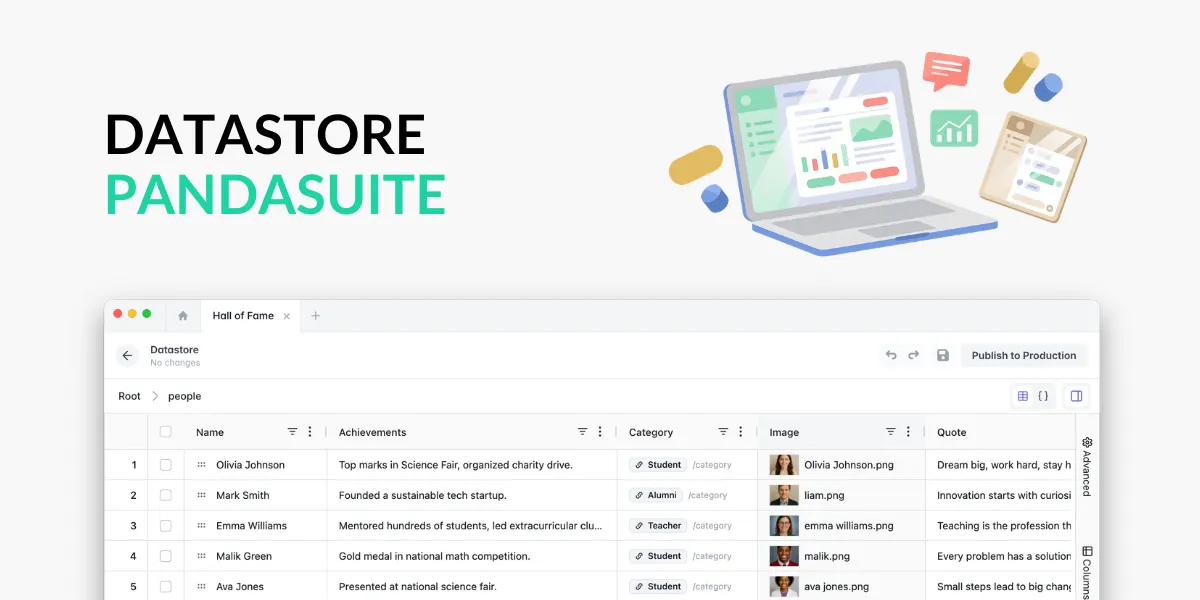
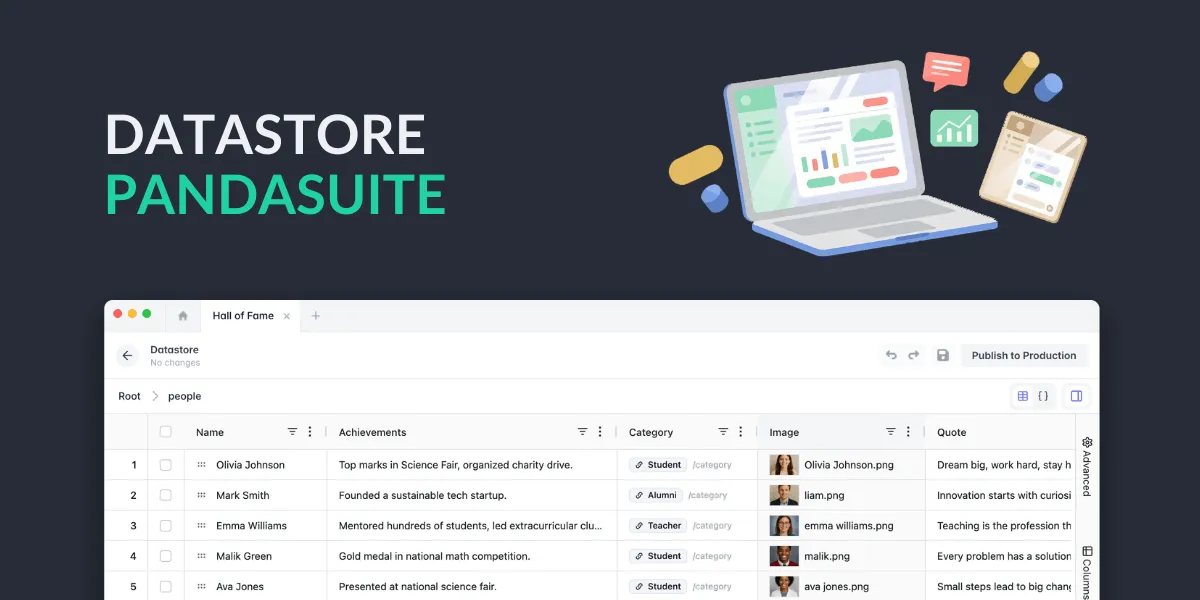
Today, after several months of work, we’re proud to introduce the new version of PandaSuite’s internal data source: the Datastore.
Before diving into what’s new, let’s take a step back.
The old PandaSuite database
When we introduced data management in PandaSuite, we built the PandaSuite database alongside it. The goal was to let you manage local variables in your app: a quiz score, a selected language, a session progress…
For more complex projects — product catalogs, content collections, dynamic data — we pointed you toward external tools. It was the rise of no-code and great tools like Airtable. We stayed focused on the interface experience that makes PandaSuite powerful.
But over time, more and more of you started using it for far more than that. The interface wasn’t the prettiest, but it had one big advantage: it was right there in PandaSuite Studio. No extra account to create, no new tool to learn, no additional cost…
We took note.
After several months of work, here’s the Datastore: a rebuilt version of the tool, shaped around what you were actually doing with it.
It serves two roles in one: a variable manager for your app’s local data, and a lightweight CMS for your content collections.
A new interface to visualize and manage your data
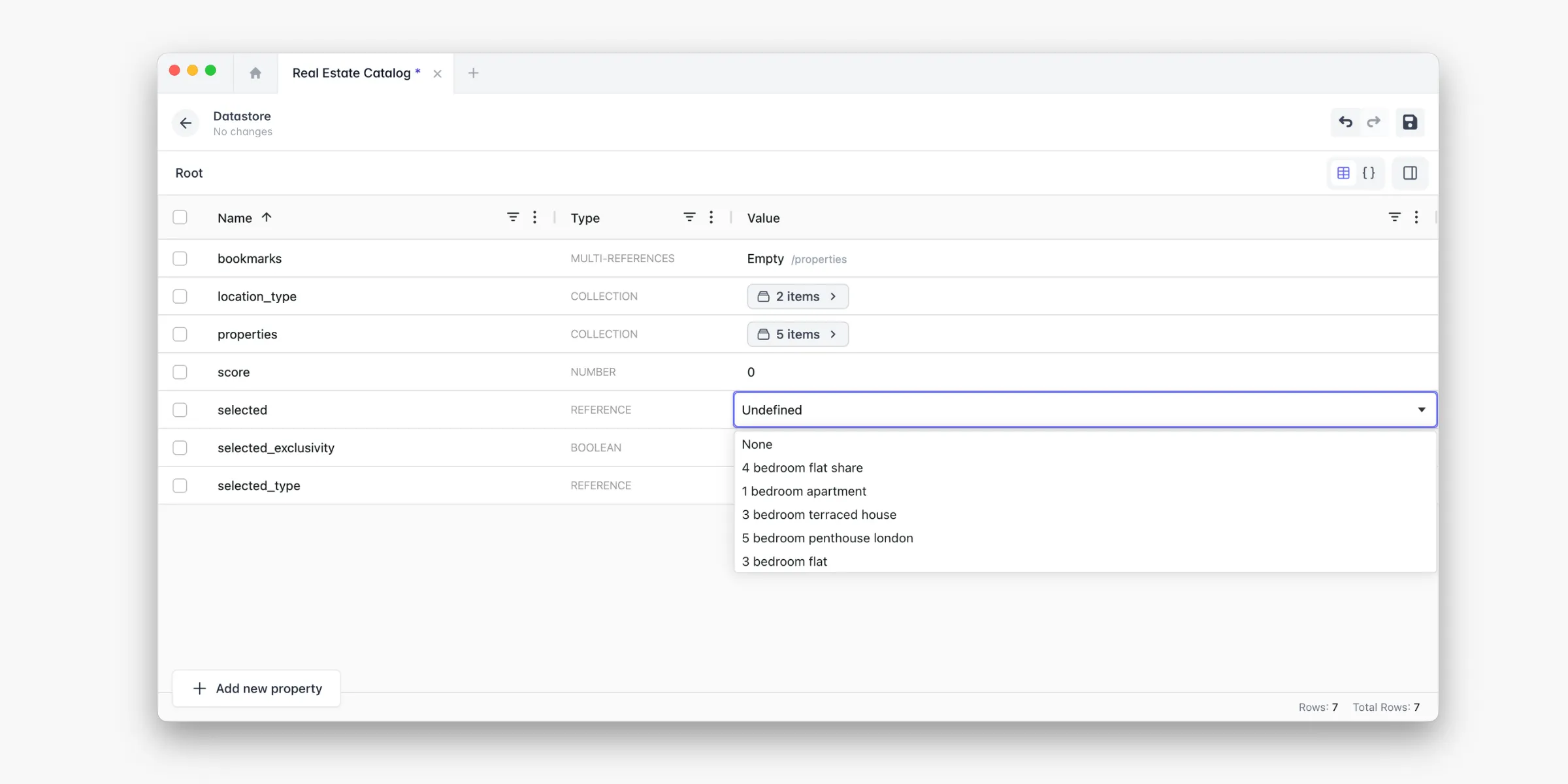
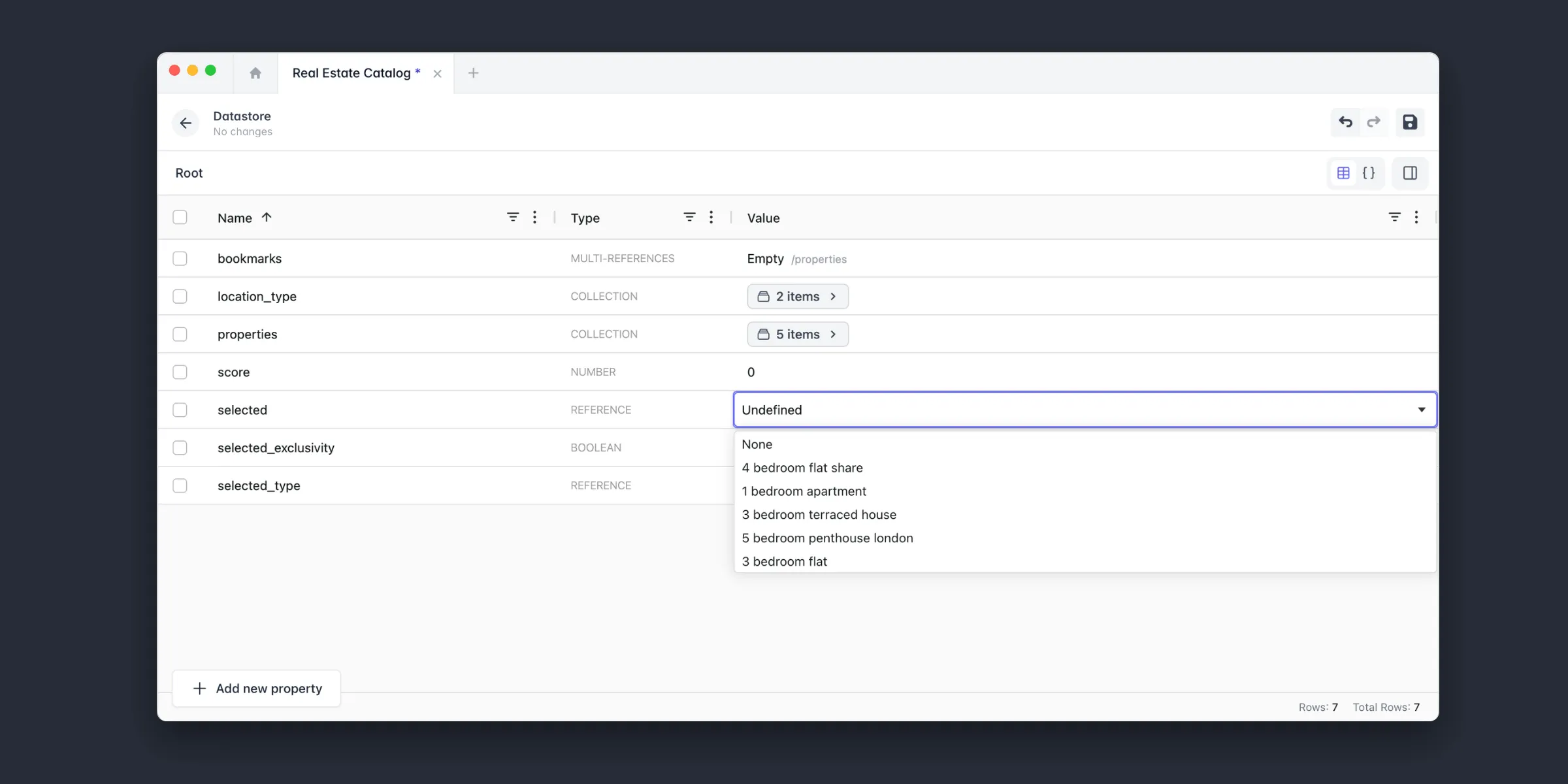
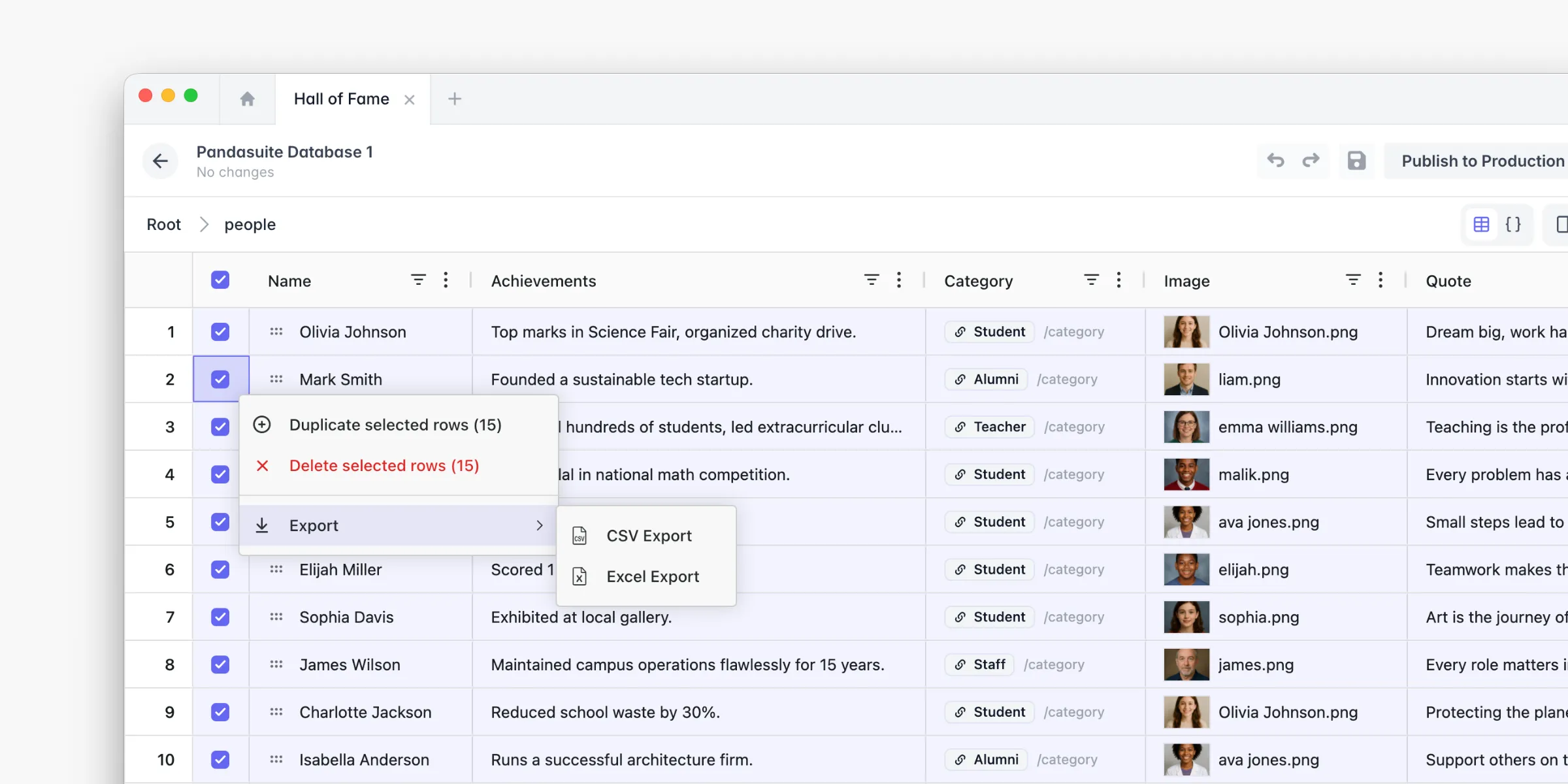
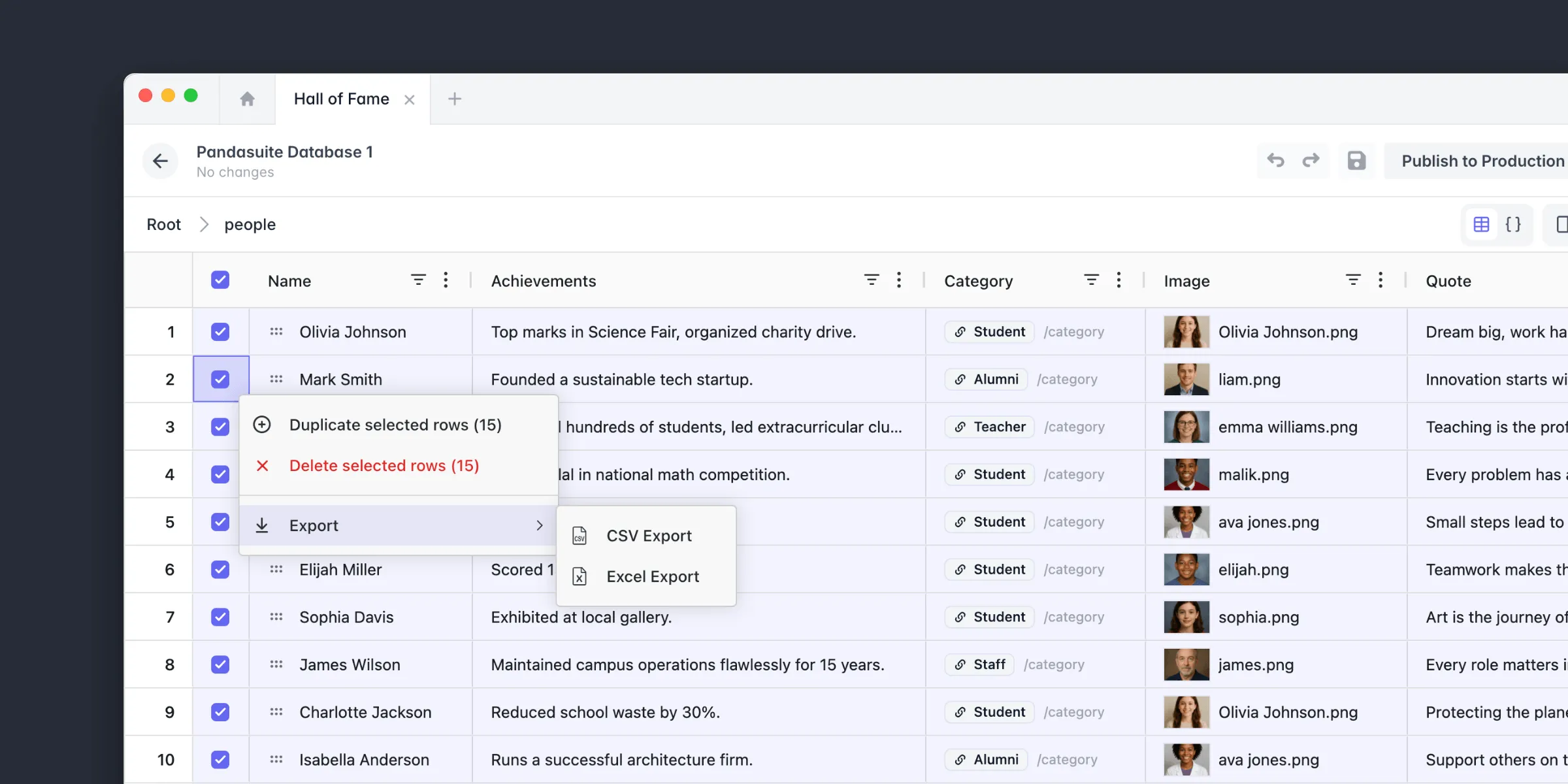
The first thing you’ll notice is the grid. Gone is the old interface that felt like digging through config files — your data now appears in a clean spreadsheet view, with image thumbnails, colors shown inline, and readable dates.
If you prefer working on the raw structure, a button switches to a JSON view with syntax highlighting. Useful when importing data or checking what’s really happening under the hood.
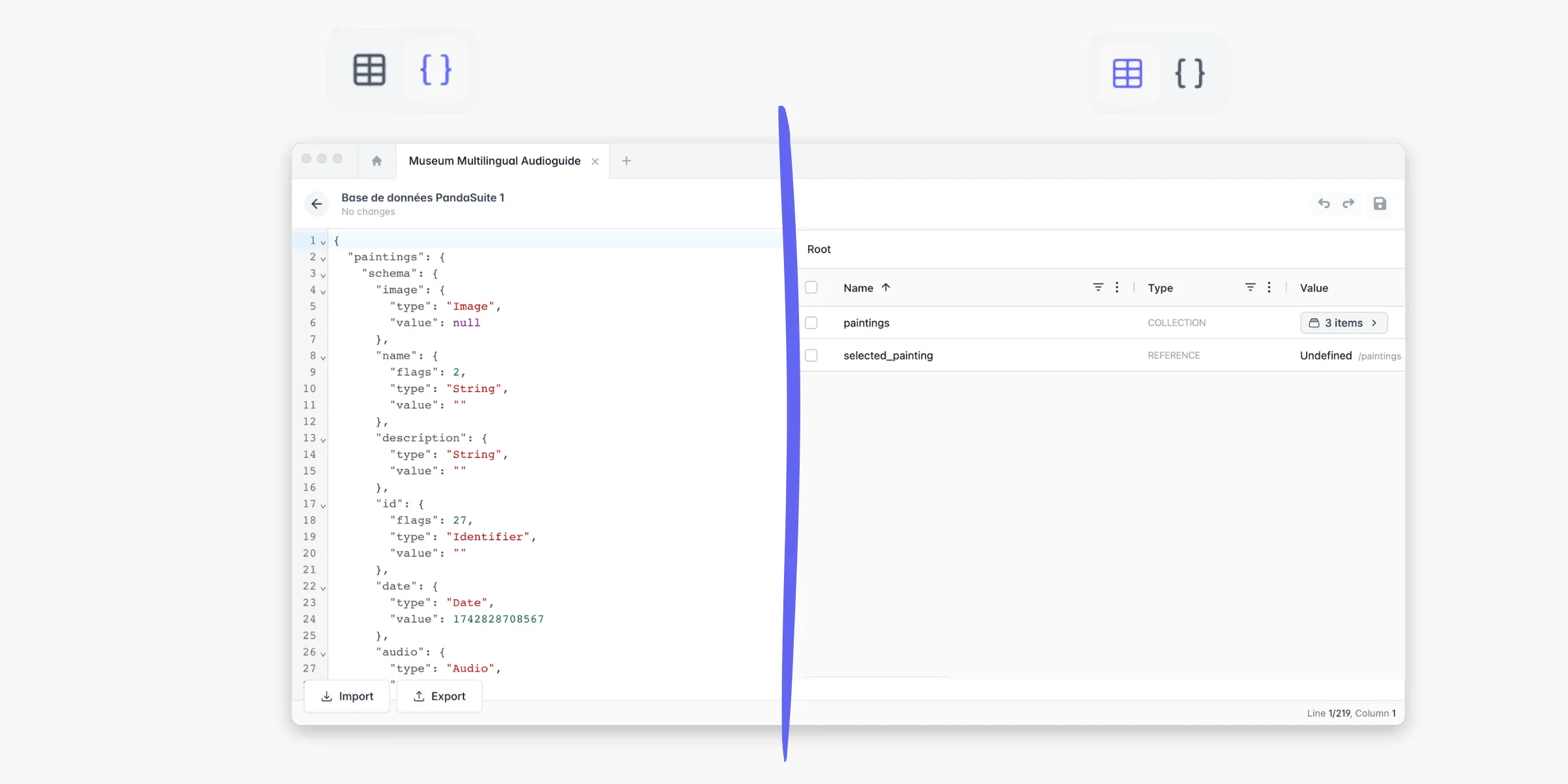
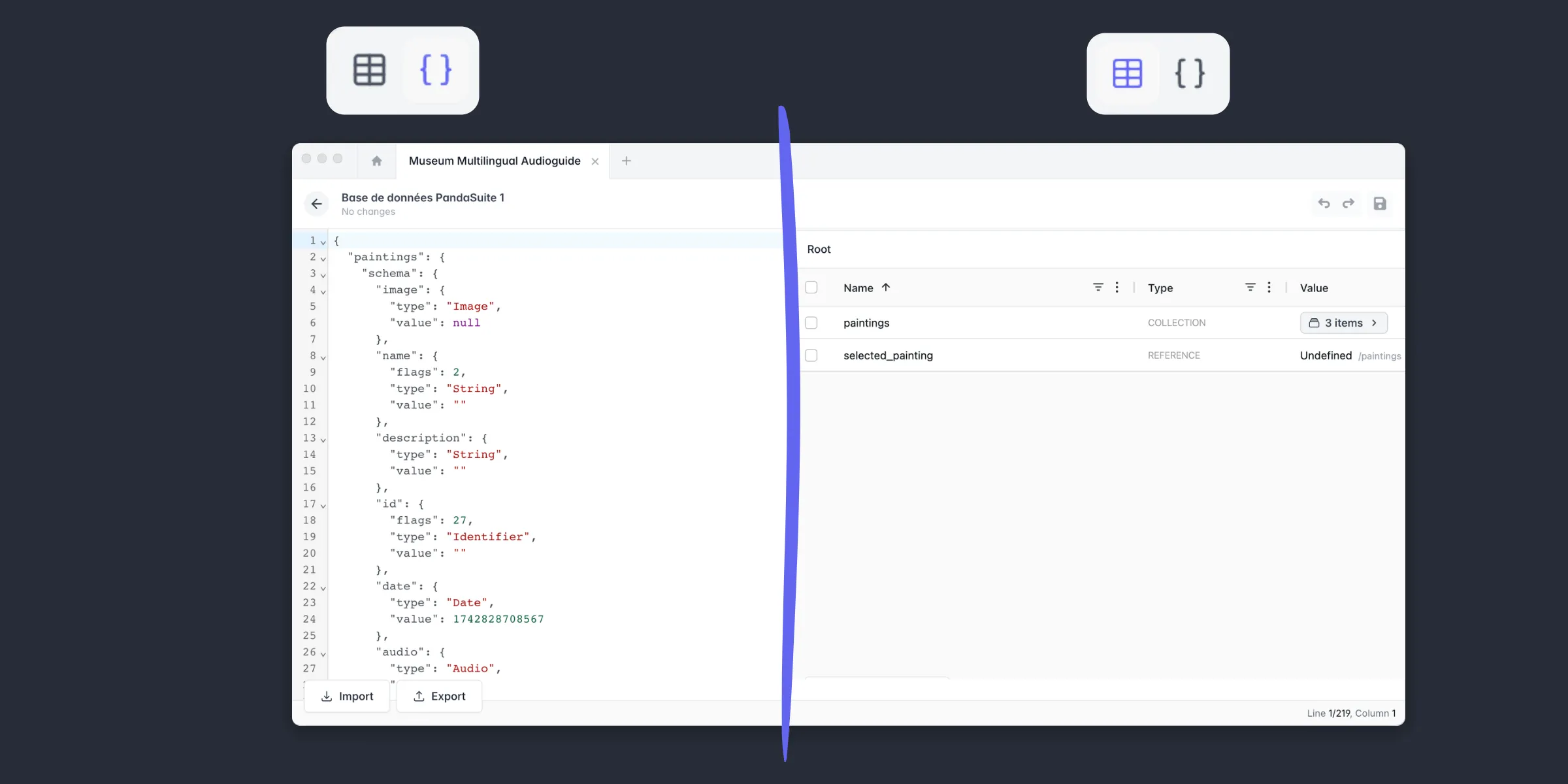
Less flashy but very useful day-to-day: you can now import and export your data as JSON, filter and sort your entries, apply bulk actions across multiple rows, and undo any change with a single undo.
References: the feature you’re probably not using yet
This is one of the most overlooked features in the Datastore. Which is a shame, because it’s one of the most powerful.
A reference lets you create a link between two collections.
For example, if you have a Products collection and a Categories collection. Without a reference, you have to manually add the category to each product and update everything by hand.
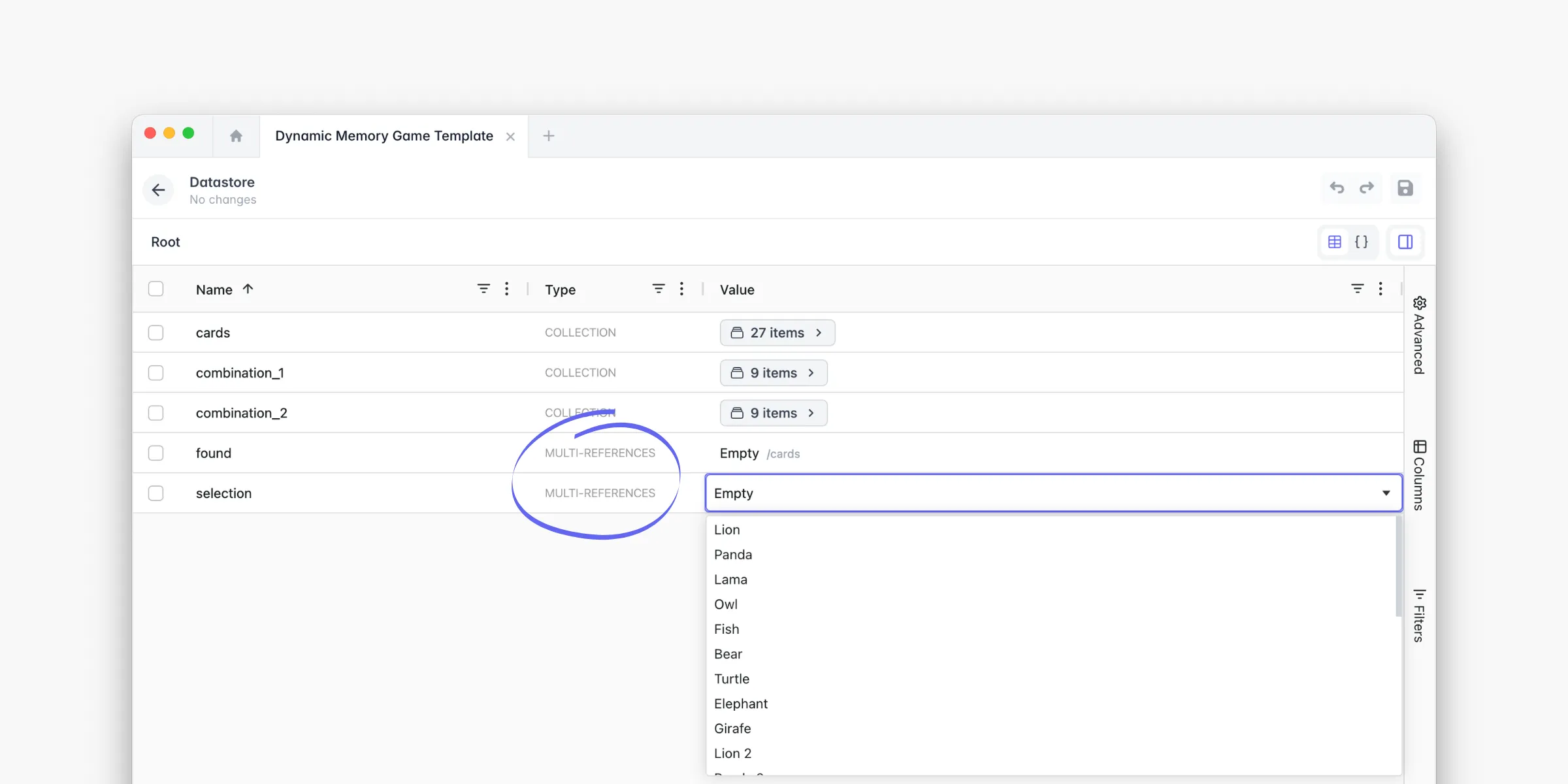
With a reference, you visually select the entry to associate — no ID to type, no formula to write. Multi-reference works the same way, for linking multiple entries at once.
If you manage structured content in PandaSuite, this is probably the first thing worth exploring.
Data types built for PandaSuite
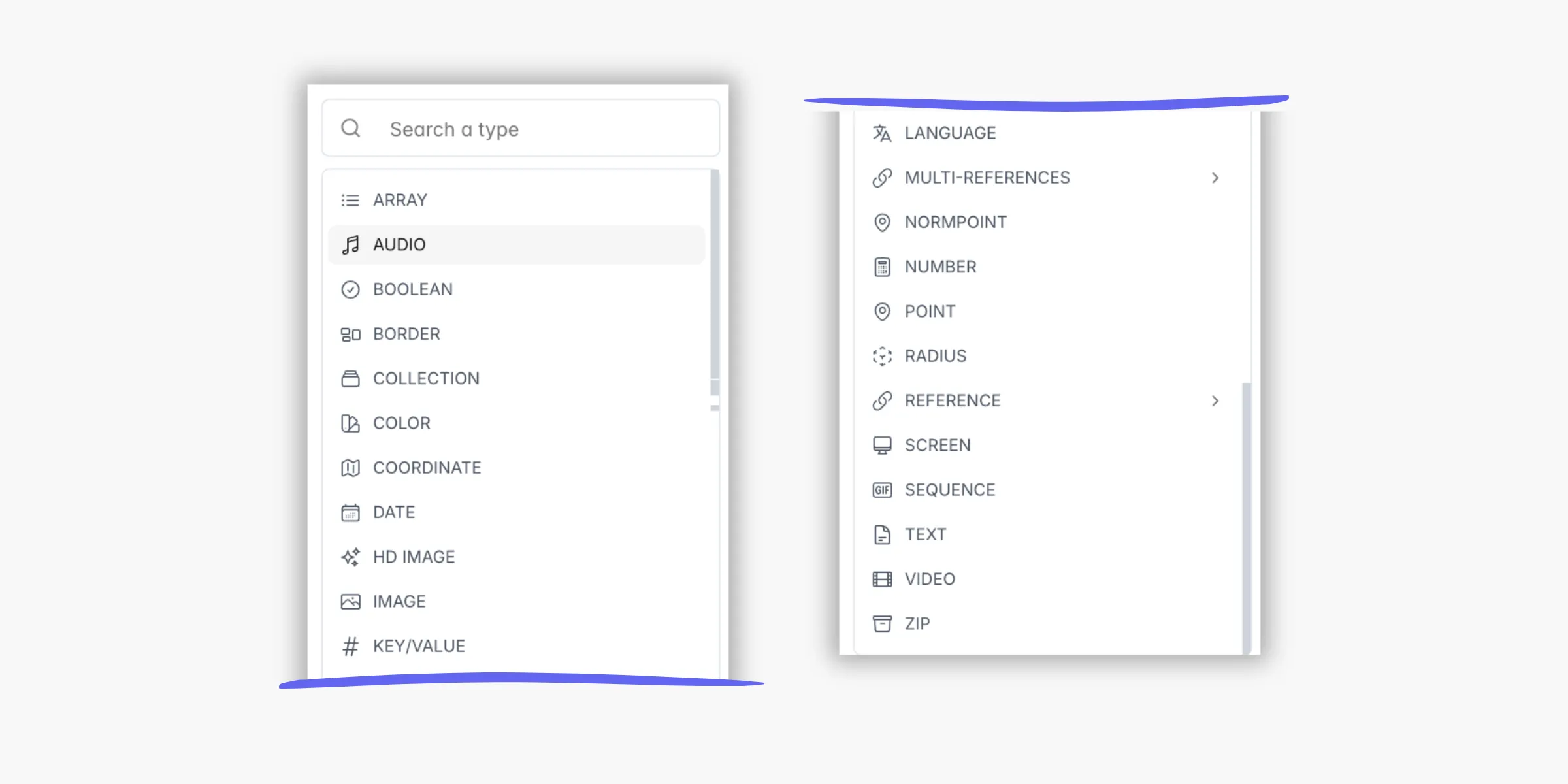
This is also a real strength of the Datastore compared to an external spreadsheet. Your properties aren’t limited to text or numbers.
You can store images with thumbnail previews, GPS coordinates ready to use directly in a map component, colors with hex codes, references to screens in your app for dynamic navigation, and audio, video, and zip files.
Every value is directly usable in your app, without any conversion.
Available now
If you were already using the PandaSuite database, all your data is intact. Nothing to migrate, nothing to reconfigure — you’ll find everything in the Datastore exactly as you left it, with the new interface on top.
If you’d never really explored it, now is a good time to start.
And if you have feedback after using it, we’re all ears. That’s how we built this version — and how we’ll build the next one.