Tue, Jan 20, 2026
Interactive POS Displays: What Really Works in-Store
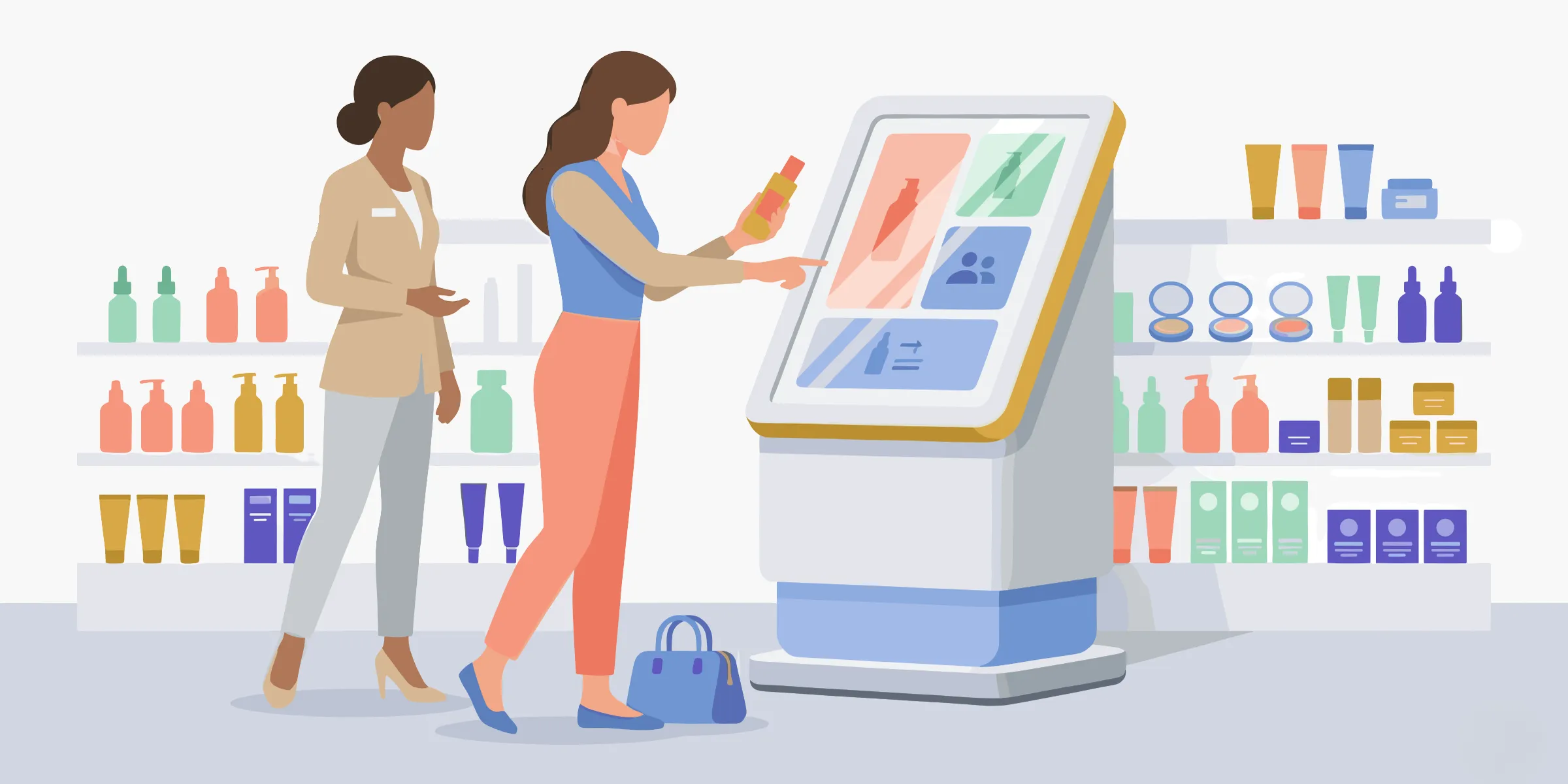
We’re seeing more and more interactive POS displays in retail stores. Yet one observation often comes up in the field: a screen doesn’t automatically drive engagement.
In-store interactive experiences face very real constraints: visitor flow, lighting, noise, standing posture, unstable connectivity, rapidly outdated content…
Without a clear strategy, interactive digital POS displays quickly become simple decorative elements, or worse, a point of friction in the customer journey.
So the real question isn’t “which technology should we choose?”, but rather: what makes an interactive POS display actually work in-store?
Interactive POS display: what is it?
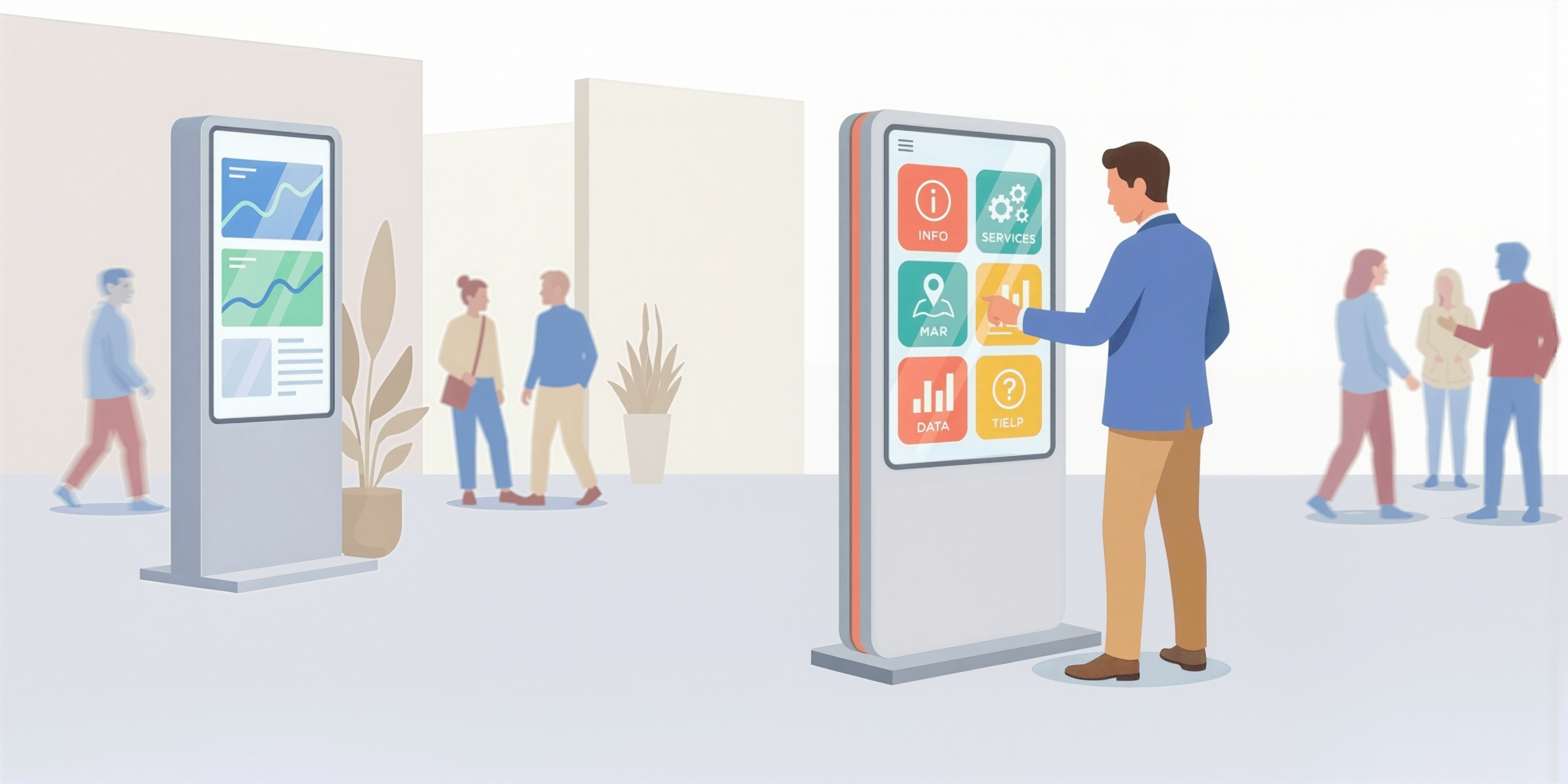
An interactive POS display (point-of-sale display) is a digital, interactive screen deployed in a retail environment that allows customers to take action: explore a product range, compare options, configure a product, or access key information independently.
Unlike passive digital signage, interactive POS displays are decision-support tools. They actively help customers move forward in their purchase journey at the point of sale.
They are dynamic and adaptable, unlike other in-store promotional media:
- Static POS display (poster, banners, shelf talkers): the message is fixed — simple and effective, but frozen over time.
- Digital POS display (or digital signage): screens show videos, promotions, or contextual messages, but the customer remains a spectator.
- Interactive POS displays: the customer can interact, navigate, personalize, and make decisions autonomously.
The most common interactive POS formats (and what they enable)
Behind the term interactive POS display, there are several types of retail devices.
The interactive kiosk is the most common self-service format in retail. It combines display, interaction, and feedback in one place, making it ideal for product discovery, comparison, or configuration.
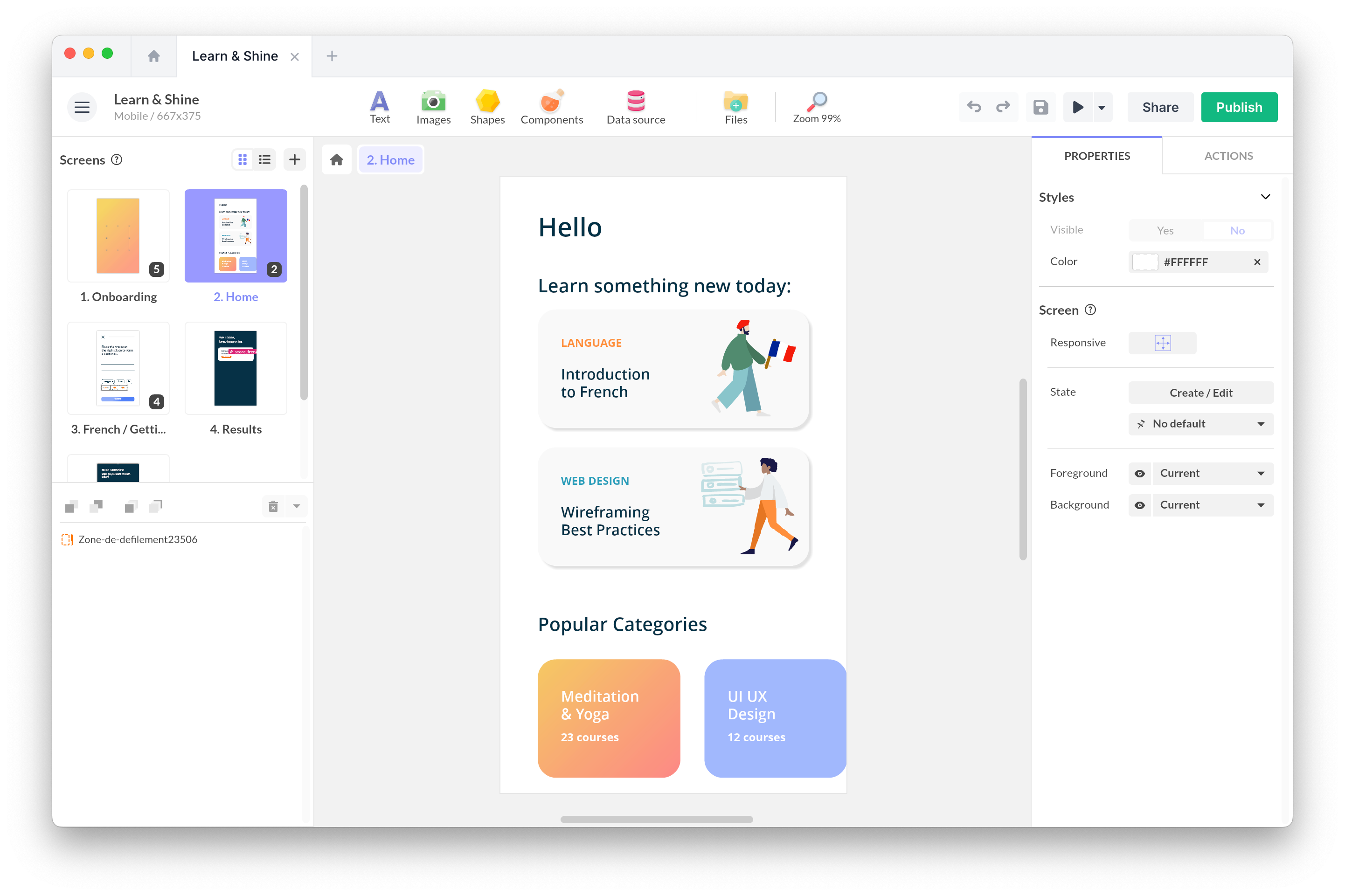
If you’re in the selection phase, this guide can help frame the project: What is the best software for interactive kiosks?.
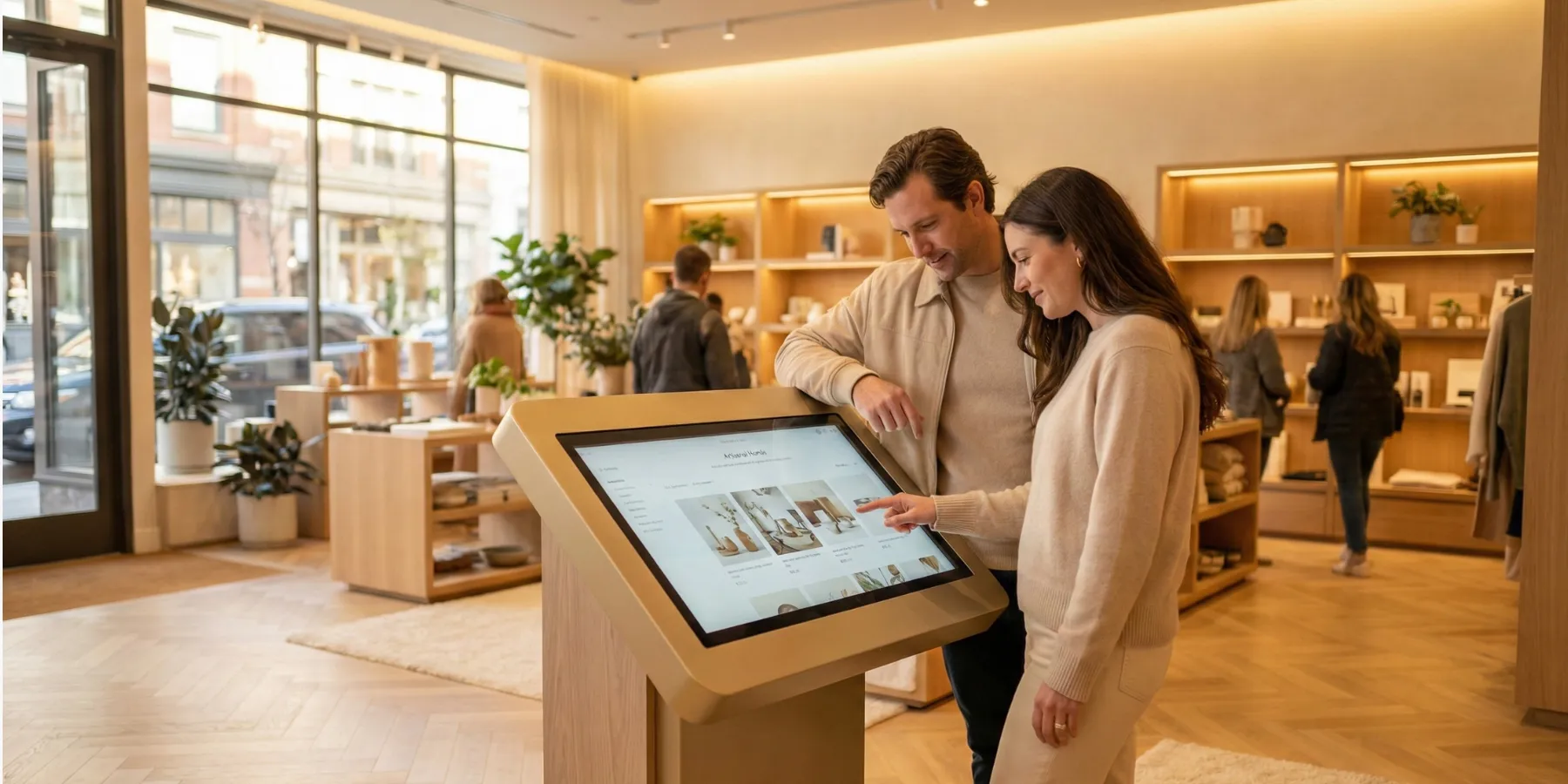
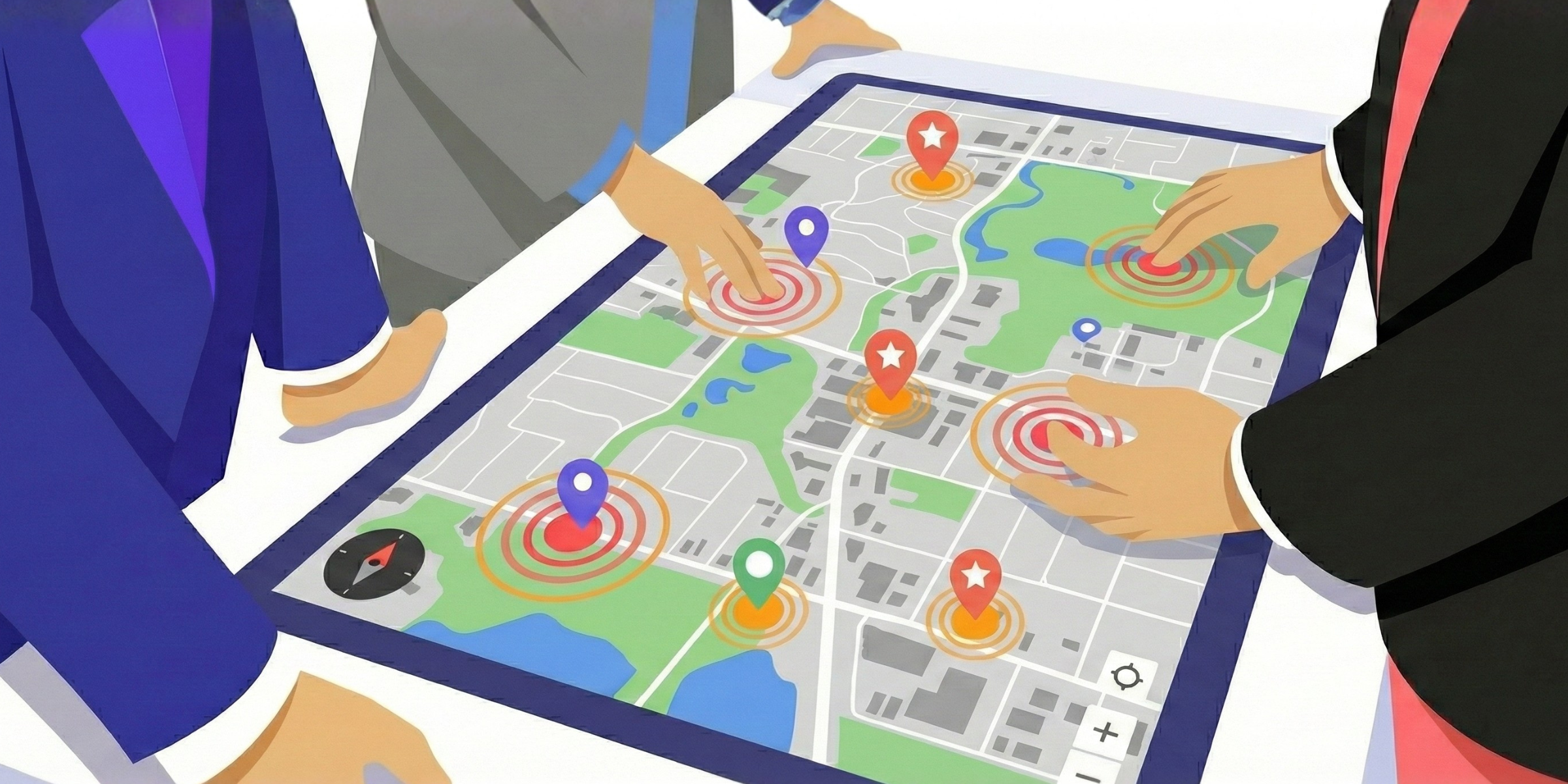
Multi-touch tables, walls, and large collaborative displays allow several people to interact simultaneously. These formats work well in high-traffic areas and experiential retail environments.
Large interactive screens and storefront displays mainly serve an attraction role. Interaction exists, but it’s secondary: the primary goal is to stop passers-by and draw them into the store.
Sales tablets are not self-service tools. They are sales-assist devices, designed for guided interactions with a sales associate and used to support conversations, not replace them.
Now that this is clearer, let’s look at what makes an interactive digital POS display successful.
Understand real in-store conditions
In-store, attention spans are short. We’re not talking minutes, but seconds. An effective interactive POS experience doesn’t try to be exhaustive: it’s focused, fast, and decision-oriented.
In practice, that means short journeys, usable while standing, understandable with no context, tolerant of interruptions, and designed to “resume” easily if the user steps away.
Design a simple, effective user journey
Across industries, high-performing interactive POS displays follow the same structure:
- Attract with an immediately readable message
- Engage with an obvious first action
- Inform with only what’s necessary
- Reassure with proof (compatibility, warranty, transparency)
- Drive action (compare, save, call a sales associate, book, continue on mobile)
The key principle is simple: a good in-store journey is a series of easy micro-decisions, not a full catalog exploration.
Utility beats the wow factor in interactive POS displays
At the point of sale, value doesn’t come from what impresses, it comes from what removes doubt.
The most effective interactive POS use cases are often very simple:
- Comparing two or three products
- Filtering by a specific need
- Checking one key piece of information
- Understanding a benefit in under 30 seconds
Gamification can work, but only if it serves a concrete goal (diagnosis, guidance, intent capture) and remains short, intuitive, and autonomous.
Design the interface for real retail conditions
A “beautiful” interface can fail in-store. Text that’s too small, touch targets that are too thin, a cluttered screen, or slow loading times are enough to make people drop off.
Key principles for interactive retail touchscreens:
- Maximum readability (large text, high contrast)
- Ergonomics adapted to standing posture (controls at the right height)
- One screen = one intent (no cognitive overload)
- Strong performance (instant loading, smooth interactions)
- Testing in real conditions (lighting, noise, user flows)
If you’re in the design phase, this guide can help structure the UX: Creating an engaging interactive touchscreen experience: where to start?.
Don’t underestimate inactivity management
In self-service environments, users can leave at any time. A good interactive POS display must:
- Deliver value within the first 30–60 seconds
- Allow an easy restart if a user steps away
- Automatically reset after inactivity to avoid showing previous user data
Extending the interactive POS experience to mobile
Mobile can be a powerful extension of the in-store experience, aso long as it’s a relay, not a replacement.
Using QR codes or NFC, customers can:
- Save a product selection
- Access more detailed content
- Retrieve a comparison
- Continue their decision process after leaving the store
A simple rule applies: the in-store screen helps you decide fast; mobile helps you go deeper later.
Common traps to avoid with interactive POS displays
The most common mistake is turning an interactive screen into a catalog.
Other frequent traps include:
- Vague calls-to-action (“Discover” with no clear next step)
- Total dependence on network connectivity (no offline fallback)
- No attract or idle screen (the kiosk looks inactive)
- No clean reset between users (previous session data visible)
Each of these issues can significantly reduce engagement and adoption.
Measure what matters (without overcomplicating)
A useful interactive POS display should also be measurable.
A few simple KPIs are usually enough:
- Number of sessions started (interaction rate)
- Average time spent
- Final action taken (QR scan, sales associate call, comparison saved)
- Drop-off rate before the key action
Conclusion
A successful interactive POS display is not just a screen that catches the eye.
It’s a decision-support tool designed for real retail conditions: adapted to limited attention, focused on concrete usage, and built to stay simple, robust, and measurable.
That’s when in-store interactivity stops being a gadget — and becomes a real driver of customer experience and performance.