Tue, Dec 9, 2025
What Is the Best Software for Interactive Kiosks?
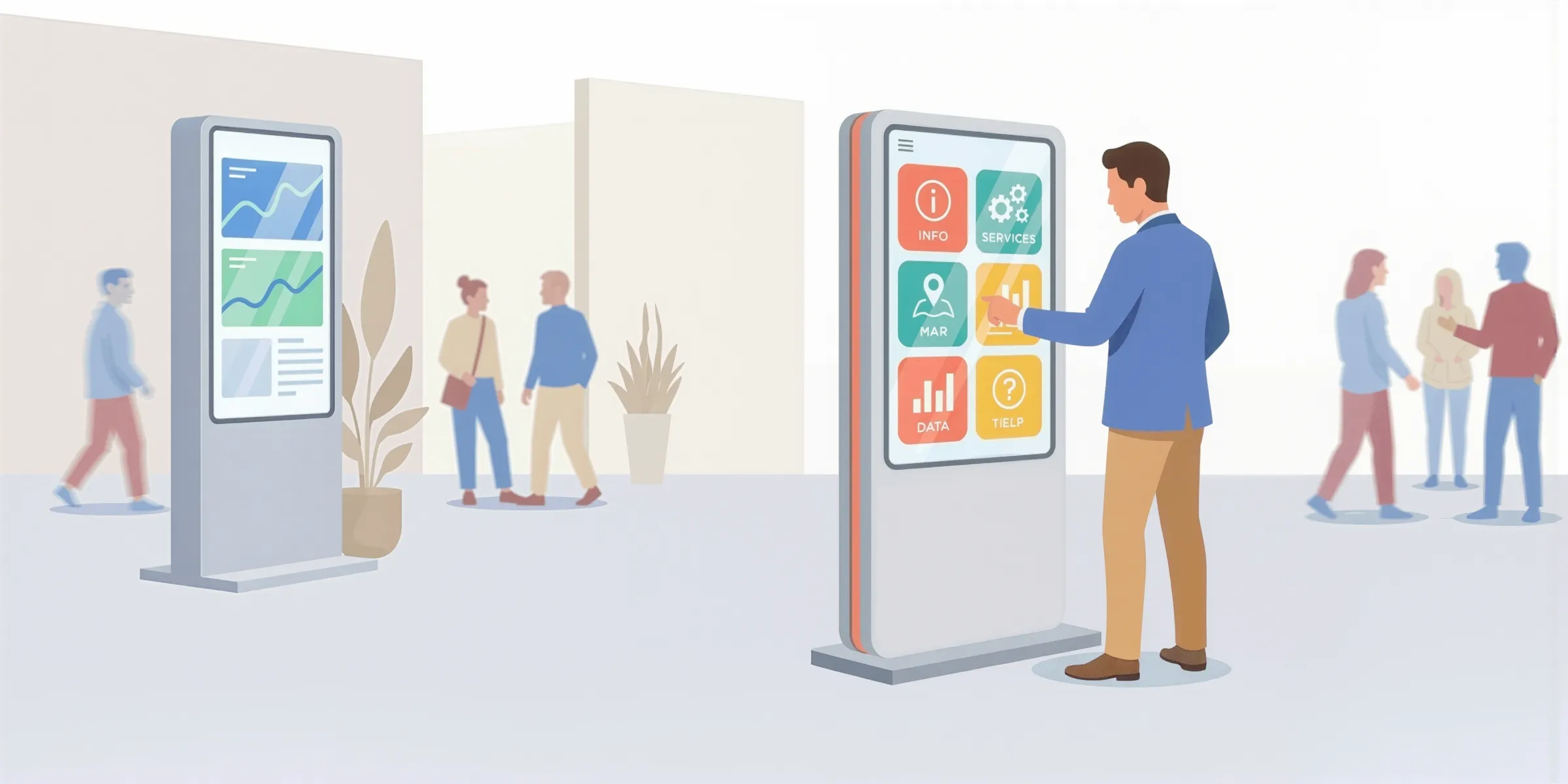
Interactive kiosks are becoming increasingly common in museums, stores, corporate lobbies, tourist offices, and events. They allow users to explore content autonomously, access information quickly, and interact with engaging digital experiences.
But beyond the choice of hardware (screen, totem, tablet), one element is absolutely crucial for the success of an interactive kiosk project: the software.
This article is a guide to help you with your project. It will help you:
- understand what interactive kiosk software is;
- compare the different types of solutions;
- identify key criteria based on your project;
- and discover a benchmark of popular tools on the market.
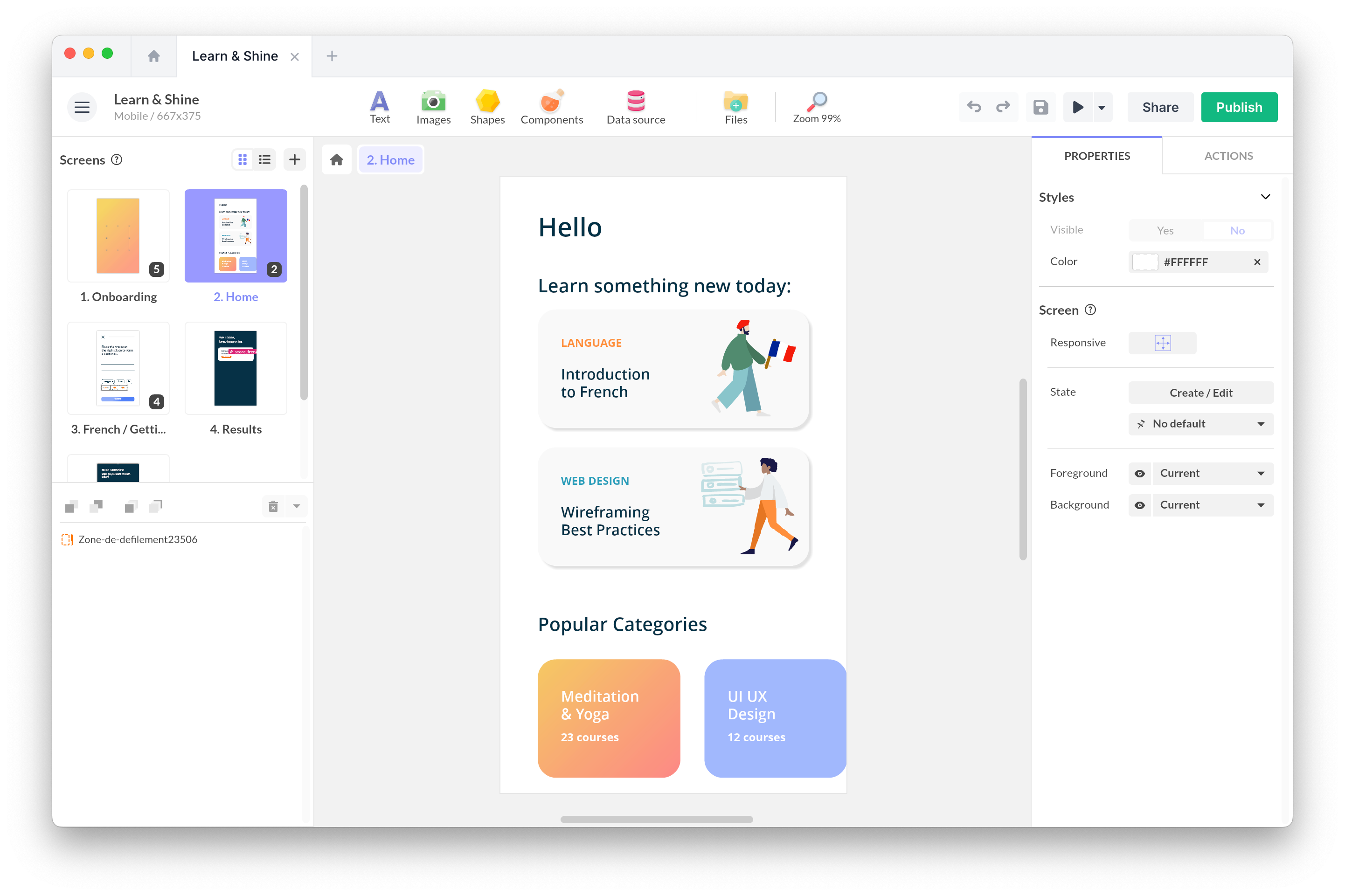
If you are specifically looking for a no-code platform to create custom kiosk experiences that are interactive, offline-ready, and designed for the public, you can also visit our dedicated page: Interactive Kiosk Software.
TABLE OF CONTENTS
- What is interactive kiosk software?
- How to choose interactive kiosk software?
- Benchmark 2025: main families of interactive kiosk software
- Which kiosk software should you choose?
- Conclusion
What is interactive kiosk software?
Interactive kiosk software is what transforms a touchscreen, tablet, or device into a public-ready interactive experience.
Unlike a simple app or static display, kiosk software must meet several specific requirements.
1. Content and interaction creation
It allows you to design and display:
- multi-screen interfaces,
- clear navigation paths,
- buttons, menus, galleries, or carousels,
- multimedia content (images, videos, audio, PDFs, 3D),
- user interactions (forms, scenarios, branching).
2. Security and public use (kiosk mode)
In a public-facing context, the software must limit the risk of misuse:
- blocking system menus,
- preventing users from exiting the application,
- automatic return to the home screen after inactivity,
- automatic launch at device startup.
3. Stability and offline operation
Many kiosks operate in environments where connectivity is weak or unstable. Good software must handle:
- offline operation,
- local content storage,
- smooth performance,
- automatic recovery in case of issues.
Depending on the project, these functions can be provided by different types of tools: no-code editors, low-code solutions, fleet management systems (MDM), or industry-specific software.
How to choose interactive kiosk software? Key criteria
Before comparing solutions, it’s helpful to clarify your priorities. Here’s a checklist of essential questions to guide your decision:
✅ Checklist: 7 criteria to evaluate
🎨 Creation experience
-
Do you need a visual, drag-and-drop tool accessible to non-technical teams?
-
Or will developers handle the creation using code?
🎮 Level of interactivity
- Simple information screens only?
- Or advanced features: touch gestures, conditional scenarios, games, complex journeys?
🔒 Security and kiosk mode
- Does the software lock the device to prevent misuse?
- Is there an automatic return to home after inactivity?
- Can it auto-launch at device startup?
💻 Hardware and system compatibility
- Windows support?
- Android support?
- iPadOS support?
- Compatible with your hardware: tablets, totems, large format screens?
📴 Offline operation
- Does the kiosk need to work 100% offline?
- Is content stored locally on the device?
🚀 Deployment and updates
- Do you need remote fleet management?
- Or is simple file export sufficient?
💰 Business model
- SaaS subscription (monthly/yearly)?
- Perpetual license (one-time payment)?
- Enterprise MDM solution?
Benchmark 2025: main families of interactive kiosk software
Rather than looking for a universal “best software,” it’s more relevant to compare families of solutions, each addressing specific needs.
1. PandaSuite – No-code custom interactive experience creator
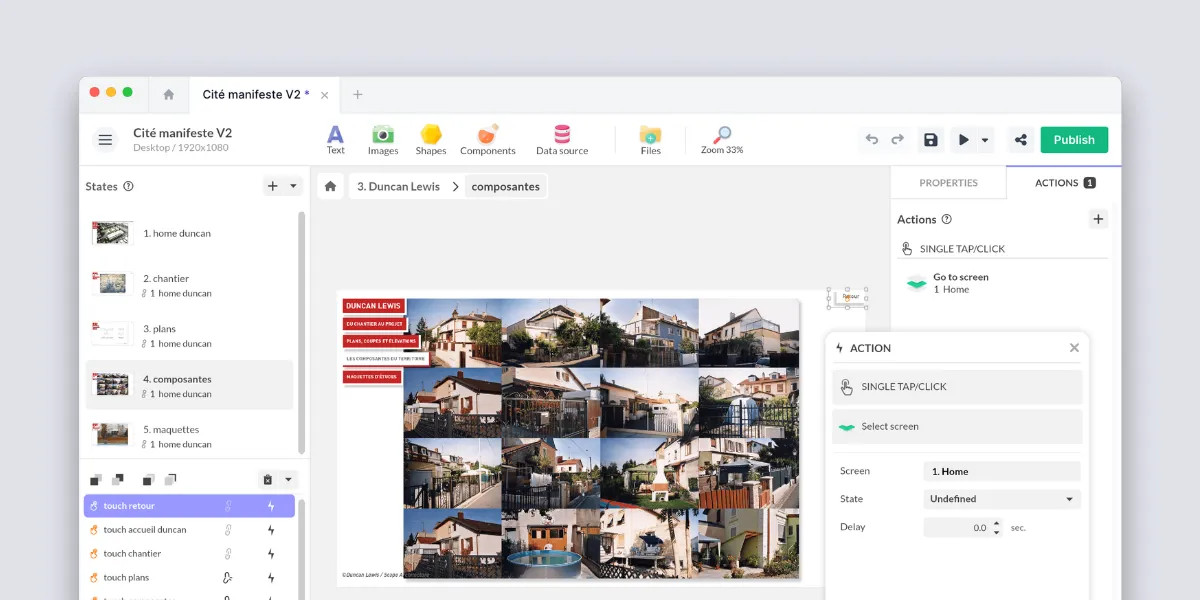
PandaSuite is a no-code platform specialized in creating custom interactive experiences, usable on touch kiosks, screens, tablets, and multi-device applications.
With its visual editor, you can:
- design your screens with drag-and-drop,
- integrate media (videos, images, 3D, audio, 360°),
- create interactions (navigation, animations, gestures),
- configure logic and branching,
- and export your experience for offline use.
PandaSuite is particularly suited if:
- you want a fully customized kiosk interface,
- your team prefers not to code,
- you like the idea of using the same tool for projects beyond kiosks.
To learn more specifically about kiosks, you can visit the dedicated page: Interactive Kiosk Software.
2. Scalefusion – Kiosk lockdown & MDM
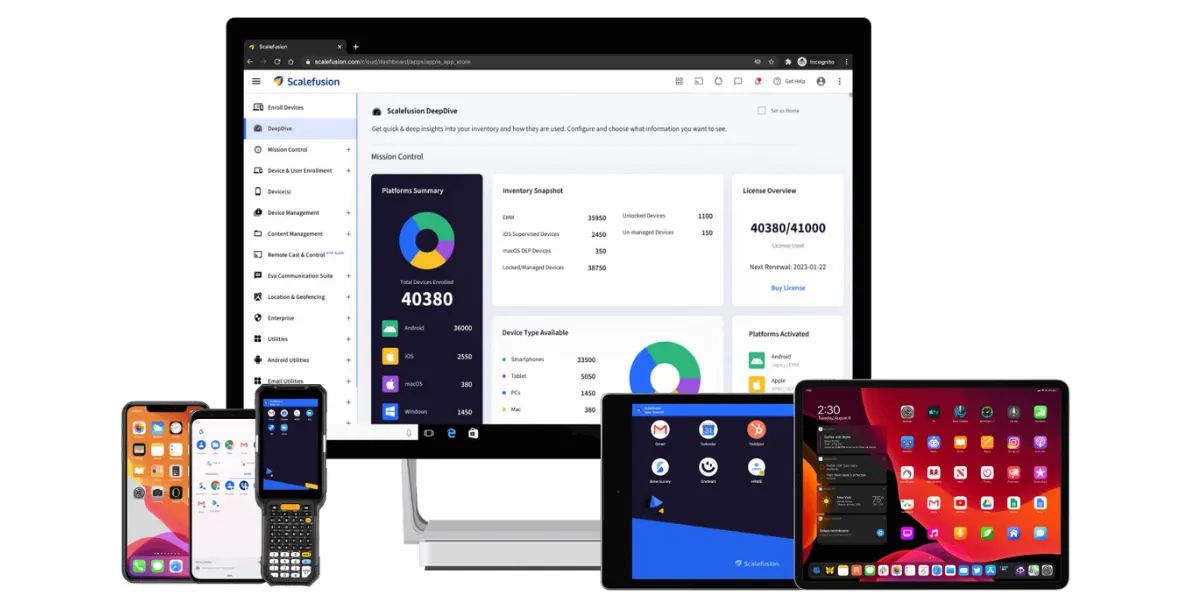
Scalefusion is primarily a security and device management solution.
It allows you to:
- lock devices in kiosk mode,
- manage usage policies,
- administer device fleets remotely.
However, interactive content creation remains limited. Scalefusion is best suited for projects where the priority is centralized management of a large device fleet.
3. Intuiface – Interactive digital signage
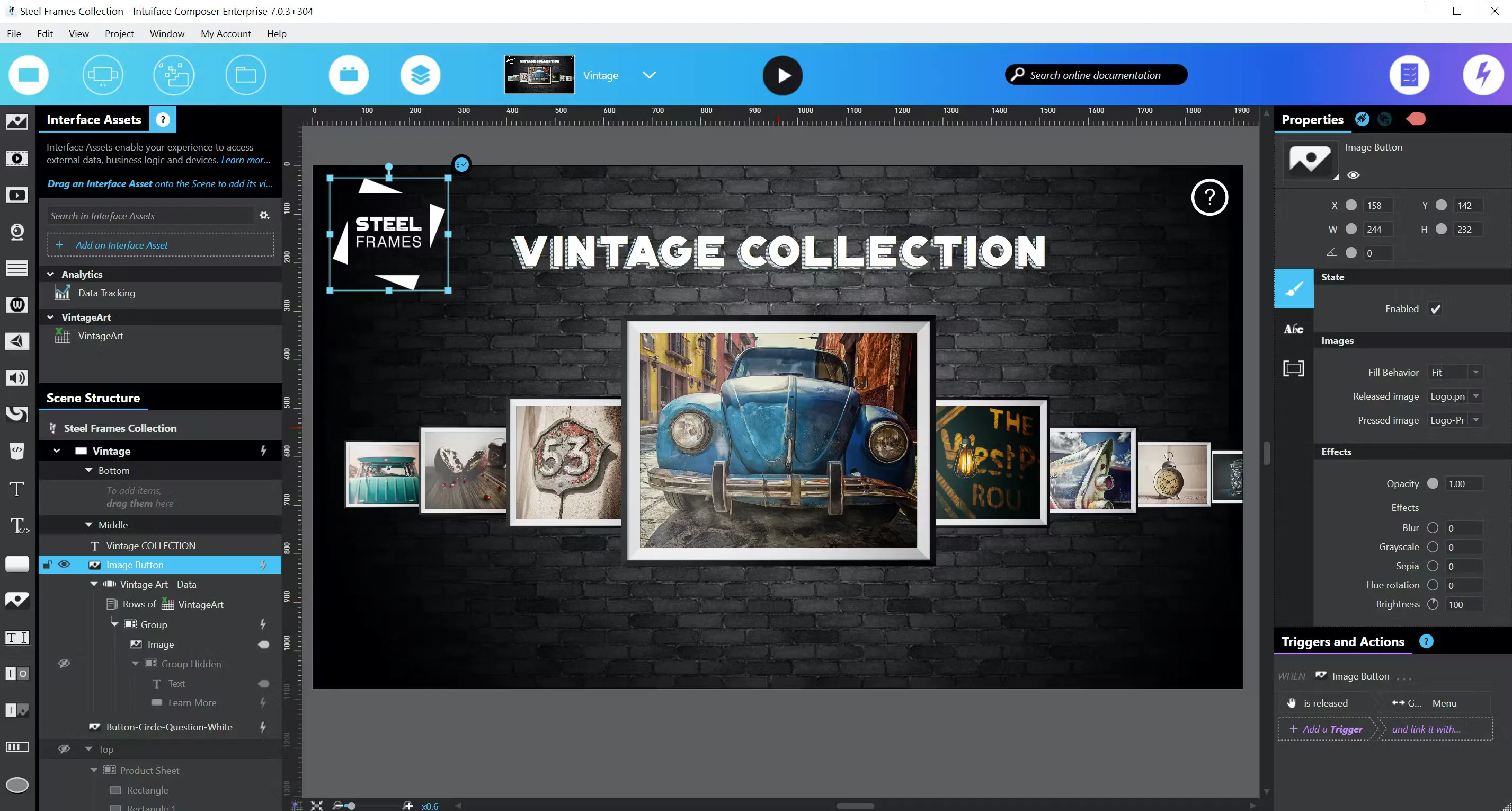
Intuiface is a well-established platform in the interactive digital signage space.
It offers:
- an editor for touch experiences,
- advanced interactions (sensors, voice, computer vision),
- analytics tools,
- multi-screen deployments.
It is particularly relevant when the kiosk is part of a larger interactive signage ecosystem.
4. Digitiz – Retail-focused solution

Digitiz positions itself as a vertical solution for in-store digital engagement.
Digitiz is a solution specialized in digital engagement at points of sale.
It offers features focused on:
- assisted selling,
- interactive product catalogs,
- specific retail integrations.
It is relevant when the kiosk is part of a specific commercial strategy, but less flexible for cultural or educational projects.
5. Hexnode – MDM with kiosk features
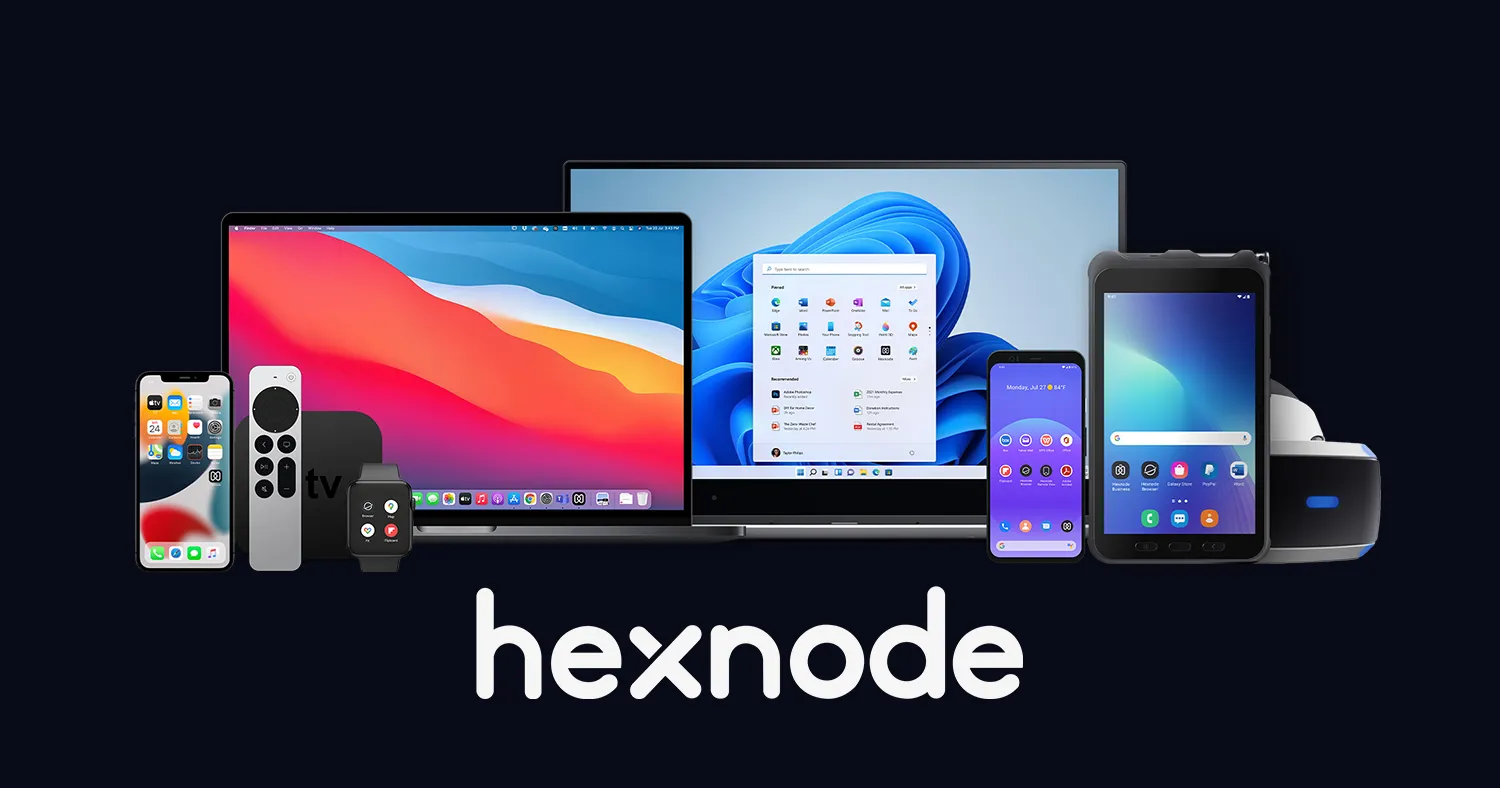
Hexnode is a comprehensive Mobile Device Management solution with kiosk mode features.
It allows you to secure and manage devices, but is not designed to create rich interactive experiences. It is primarily aimed at organizations looking to integrate kiosks into an overall IT strategy.
Which kiosk software should you choose?
There is no universal “best” kiosk software. Each type of solution excels in a different context:
| Type of solution | Ideal for |
|---|---|
| No-code platforms | Custom interactive experiences |
| Lockdown/MDM tools | Securing and managing device fleets |
| Digital signage systems | Combining kiosks with dynamic displays |
| Vertical retail solutions | Stores with assisted selling / catalog needs |
| Custom development | Unique, highly specific installations |
To choose the right solution:
- Identify your use case (museum, event, store, lobby).
- Determine who will create and maintain the content.
- Assess the level of flexibility you need.
- Evaluate your offline needs (crucial for museums & events).
- Test a small prototype to validate your assumptions.
If you need a flexible no-code platform to design rich kiosk interfaces without coding, you can explore the dedicated PandaSuite page: Interactive Kiosk Software
Conclusion
Interactive kiosks are powerful tools for creating memorable experiences, simplifying visitor journeys, and delivering information in public spaces.
Choosing the right software will help ensure a stable, secure, engaging, and easy-to-maintain installation — today and in the future.